• Home
  • Free Funding Guide
  • What We Offer
    • Products
    • Services
    • Free Guide
  • About Us
  • Contact
  • Sign Up

  • Ask Joe Any Question!
  • Business Credit Cards
  • Business Line of Credit
  • Topics

What’s the Best Remote Desktop Software for Windows & Mac? 

August 25, 2024 By Joe

best remote desktop software

Whether you need a solution to help your team or your friends and family, there are a ton of remote desktop apps to choose from. And, it can be tricky to choose the right one for your needs. Here, I’ll explain why you might need it, considerations to make, and help you find the best remote desktop software for your needs. 

This is what’s in store: 

  • Why Do You Need Remote Desktop Software?
    • Does Windows Have a Built-in Remote Desktop?
    • Is TeamViewer the Best Remote Desktop Platform?
  • The Best Software for Remote Desktop Access
    • 1. RustDesk
    • 2. ScreenConnect (ConnectWise Control)
    • 3. Splashtop
    • 4. BeyondTrust (Formerly Bomgar)
    • 5. AnyDesk
    • 6. DWService
    • 7. GoToMyPC
  • Read This Before You Choose Remote Desktop Software for Mac
  • Frequently Asked Questions
  • Conclusion: Which Remote Desktop Software is Best?

Now, let’s go! 

Why Do You Need Remote Desktop Software? 
Best remote desktop software for personal use

Remote desktop software lets you control a computer or device from a different location, offering a range of benefits that can simplify your work and personal tasks. 

Remote desktop software lets you access and control a computer or device from a different location and complete certain tasks as if you are there: 

  • Open files
  • Run applications
  • Troubleshoot issues on the remote machine 

It’s a handy tool to work from home, provide technical support, or manage systems from afar.

Remote desktop software lets you access your office computer from anywhere, so you can work as if you’re at the office. IT professionals use it to fix problems remotely. You can also use it to retrieve or transfer files, which is handy for large files that can’t be emailed. 

Teams benefit from screen sharing, making collaboration easier. Meanwhile, system admins use it to manage servers and update software remotely, which is great for businesses with teams in different places. It also helps if you need to check something on your work computer while you’re away. 

The software usually includes security features like encryption to protect data. In short, it makes working from anywhere more efficient and convenient.

You might also like: What’s the Best Payment Processor for a Small Business? Really 

Does Windows Have a Built-in Remote Desktop? 

Yes, Windows includes a built-in Remote Desktop feature called Remote Desktop Connection. This allows you to connect to and control another computer running a Windows operating system from a remote location.

Remote Desktop Connection is available in Windows Professional, Enterprise, and Ultimate editions—So, if you’re using a Home edition, you might need to upgrade or use third-party remote desktop software.

Plus, third-party remote desktop software can offer more: 

  • Features
  • Flexibility
  • Cross-platform compatibility

Third-party tools often work across different operating systems like Mac, Linux, and mobile devices, while Remote Desktop Connection mainly supports Windows. Some tools offer extra features like file transfer, remote printing, or session recording.

Moreover, third-party options may have more intuitive interfaces and better performance. And, many third-party tools allow more flexibility and customization.

Alternatives might offer more affordable or free options with necessary features. Finally, some tools provide advanced security features like multi-factor authentication and encryption.

Recommended: 6 Best Fintech Credit Cards to Apply for (Consumer & Business) 

Is TeamViewer the Best Remote Desktop Platform?
Best remote desktop software reddit

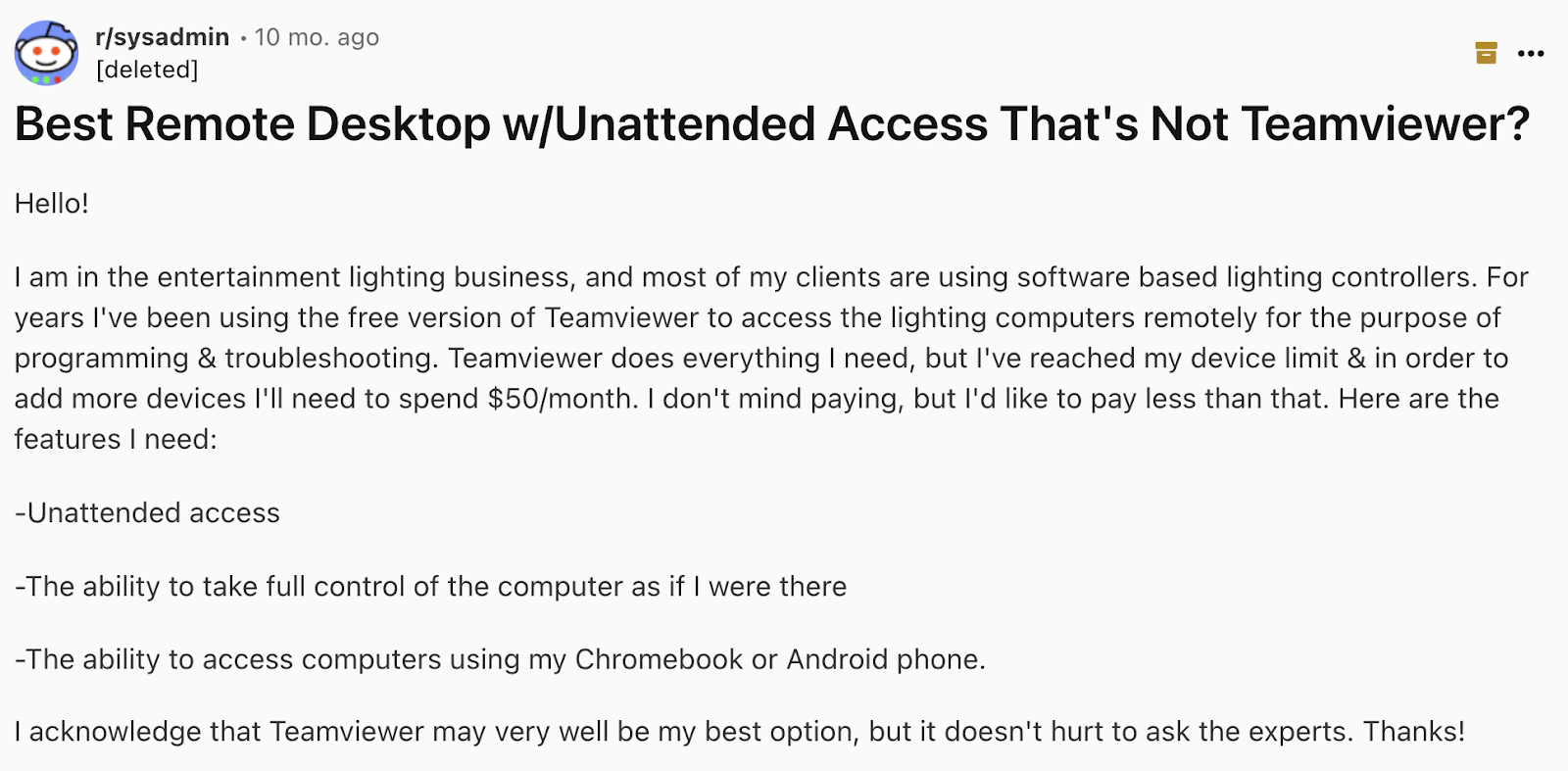
While TeamViewer was many peoples’ go-to remote desktop platform for years – and it tends to be the easiest to set up – it has a few issues that might make you look for other options. 

Here’s a rundown of the main problems:

  • High costs (it’s no longer free)
  • Aggressive pricing tactics
  • Device limitations
  • Spamming and over-pricing
  • Security concerns

TeamViewer can be pricey, especially for small businesses or individuals. A lot of people find the $50 monthly fee a bit too much. Plus, there are complaints about sudden price increases and tricky subscription practices, like automatic renewals and tough cancelation processes. And, the free version limits the number of devices you can use. Upgrading to a paid plan to add more devices can get expensive.

Some users feel TeamViewer is spammy and overpriced compared to other options, which leads to frustration and a bad reputation. Plus, although TeamViewer has security features, past security breaches have made some users wary about using it.

Many people are switching to alternatives that cost less and may offer better security and support.

You might also like: What is the Best Personal Finance Software? Free and Paid Options 

The Best Software for Remote Desktop Access

While you have a ton of options for PC and Mac, each platform has its strengths and weaknesses. Rust Desk and DWService are great for budget-conscious users, while ScreenConnect and BeyondTrust offer advanced features and security but at a higher cost. Splashtop is a good middle-ground with a balance of affordability and functionality. AnyDesk remains a viable option, but be mindful of potential recent issues.

Overall, ScreenConnect seems to be the most praised for its advanced features, while Splashtop is favored for its balance of price and functionality. Rust Desk and DWService stand out for those interested in open-source or free alternatives.

Let’s look closer at each of your options. Note that pricing can vary, so be sure to check the product sites for up to date info. 

You might also like: InDinero Unveiled: A Detailed Accounting & Tax Platform Review 

1. RustDesk
Best remote desktop software free

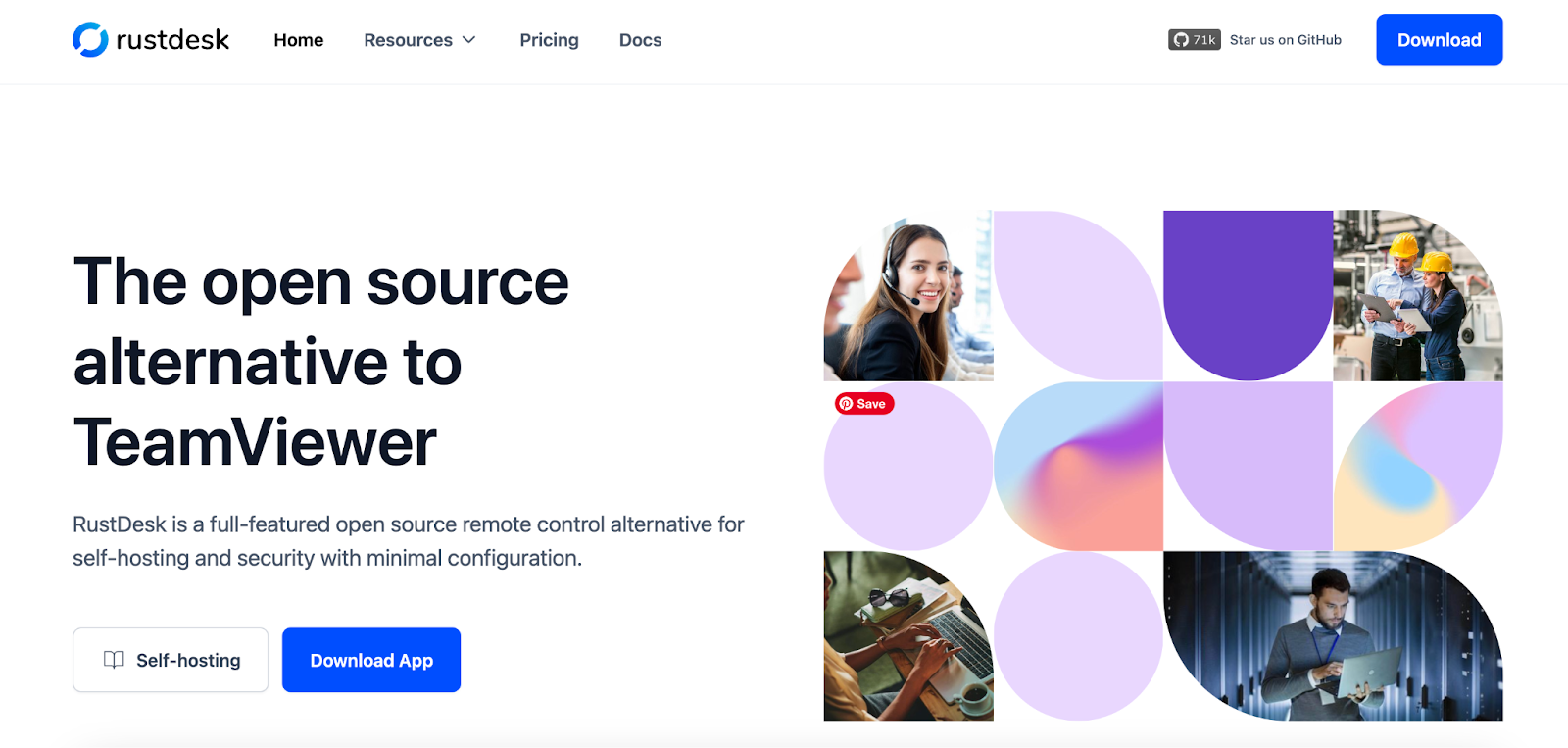
RustDesk is free and open-source, allowing you to use it at no cost. However, if you opt for the self-hosted option, there are paid plans starting at $9.90 per month, which include additional features and support.

RustDesk is a strong option, especially noted for being a better alternative to TeamViewer by several users. It allows full control of the remote computer and offers open-source and self-hosted options. This can be beneficial if you want more control over your remote desktop setup. It is compatible with macOS and provides the security and performance features you might need.

2. ScreenConnect (ConnectWise Control)
Best remote access software

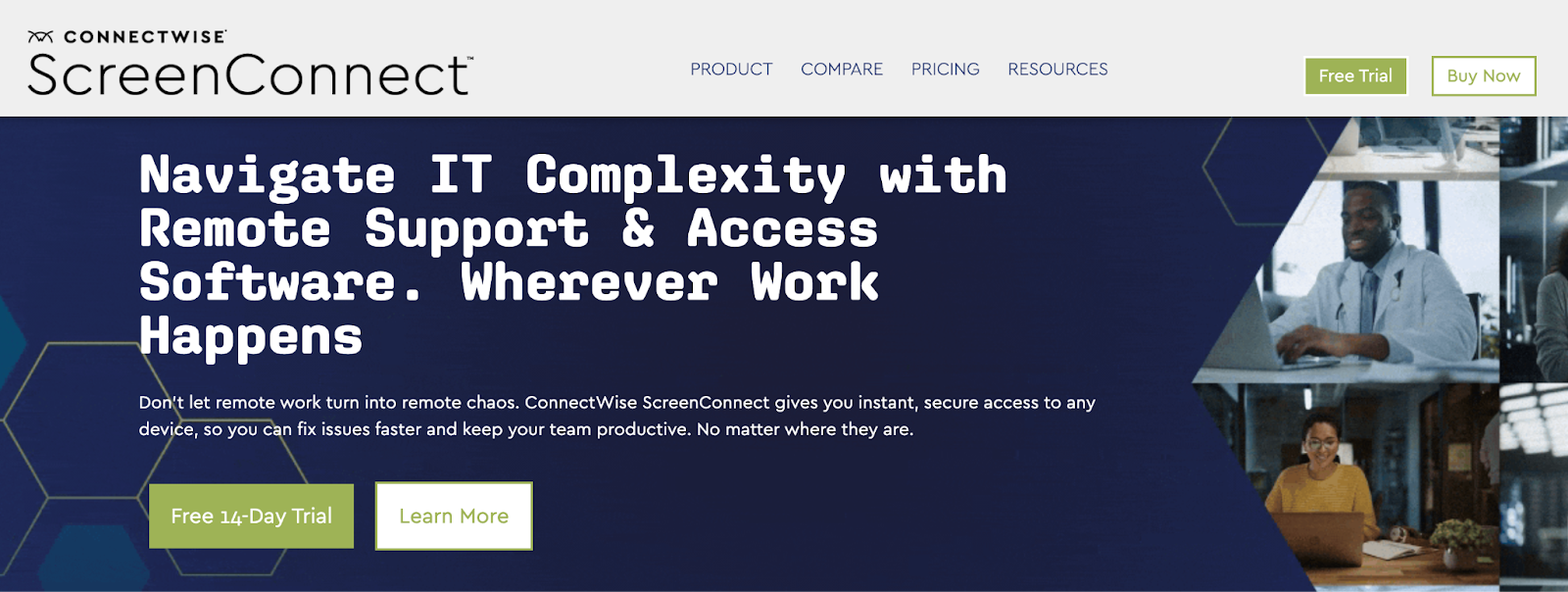
ScreenConnect can be pricey, starting at about $28 per month for the Remote Support One plan. Prices go up based on the number of technicians and features. For example, the Remote Support Premium plan is $53 per month and supports up to 10 simultaneous connections. Additionally, the cost for unattended access starts at $31 per month for 25 agents, with prices decreasing for larger volumes.

ScreenConnect is praised for its advanced features like the “Backstage” mode, which allows background operations without interrupting the remote user. It supports CMD commands and remote computer management, which makes it suitable for more intensive remote support tasks. However, it has a higher price tag, which might be a concern for budget-conscious users.

3. Splashtop
Hidden remote desktop software

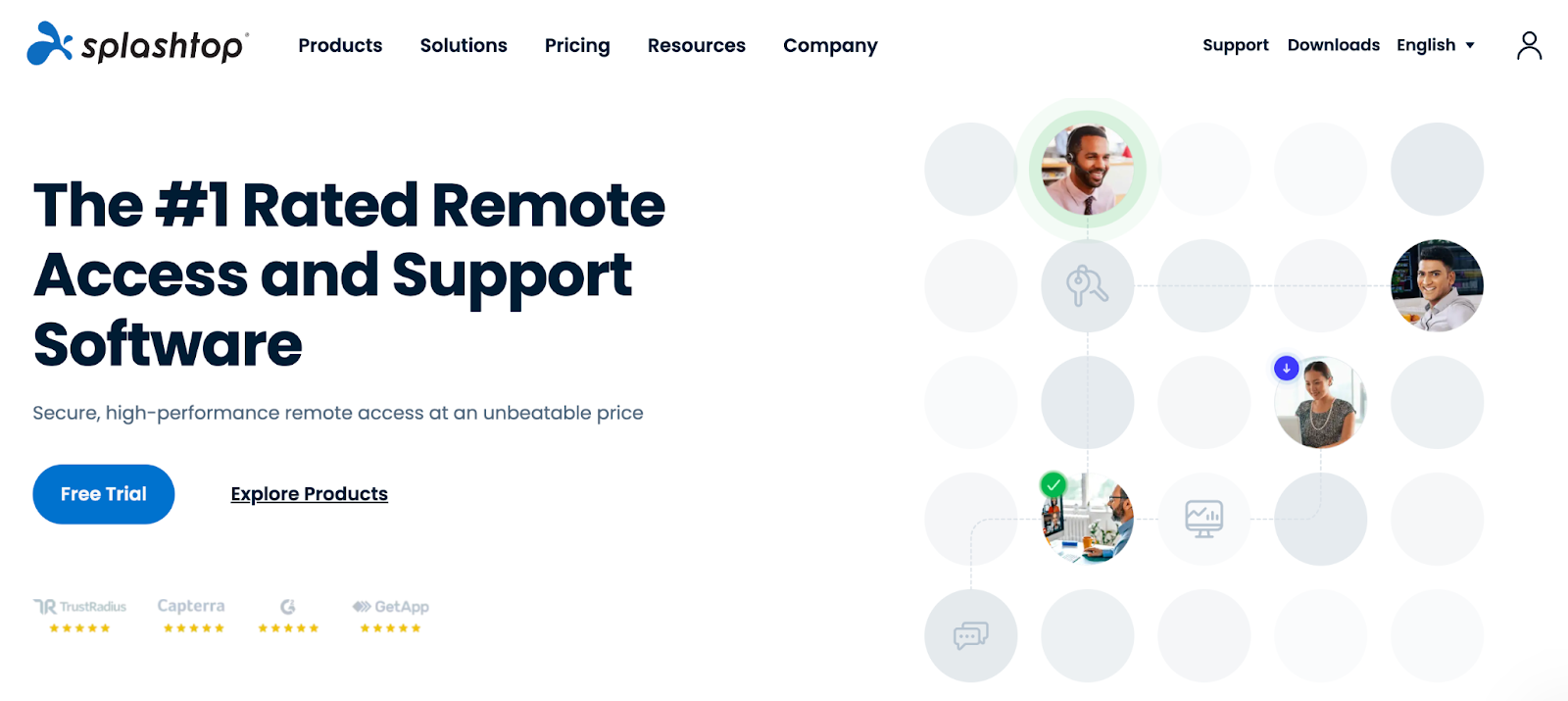
Splashtop has several plans, starting at around $5 per month for the Business Access Solo plan. Higher-tier plans offer additional features, with the Business Access Pro at $8.25 per month per user and the Business Access Performance at $13 per month per user. For advanced features and customizable options, you can contact them for pricing.

Splashtop stands out for its affordability compared to TeamViewer and supports multiple platforms, including macOS. It’s a popular choice for those looking for a cost-effective solution. Some users have noted limitations with Linux support, so if you need extensive cross-platform compatibility, this could be a drawback.

4. BeyondTrust (Formerly Bomgar)
What is the best remote desktop software for Windows?

BeyondTrust is another of the more costly options, with pricing typically starting at several hundred dollars per year. The exact cost depends on the size of the organization and the features required.

BeyondTrust is known for its robust security features, making it ideal if security is your top priority. It is, however, on the expensive side, so it may not be the best choice if you’re looking for a budget-friendly option.

5. AnyDesk
What is the best free secure remote desktop software?

AnyDesk offers various pricing plans, starting at $14.90 per month for individual users. Business plans, like the Standard plan, start at $29.90 per month, while the Advanced plan costs $79.90 per month, with more features and support for larger teams.

AnyDesk was initially seen as a good alternative to TeamViewer, developed by former TeamViewer employees. It offers strong performance and is generally reliable. However, recent feedback suggests it has become more expensive and may have some unresolved bugs, so it’s worth checking recent reviews and updates.

6. DWService
Best free remote desktop software

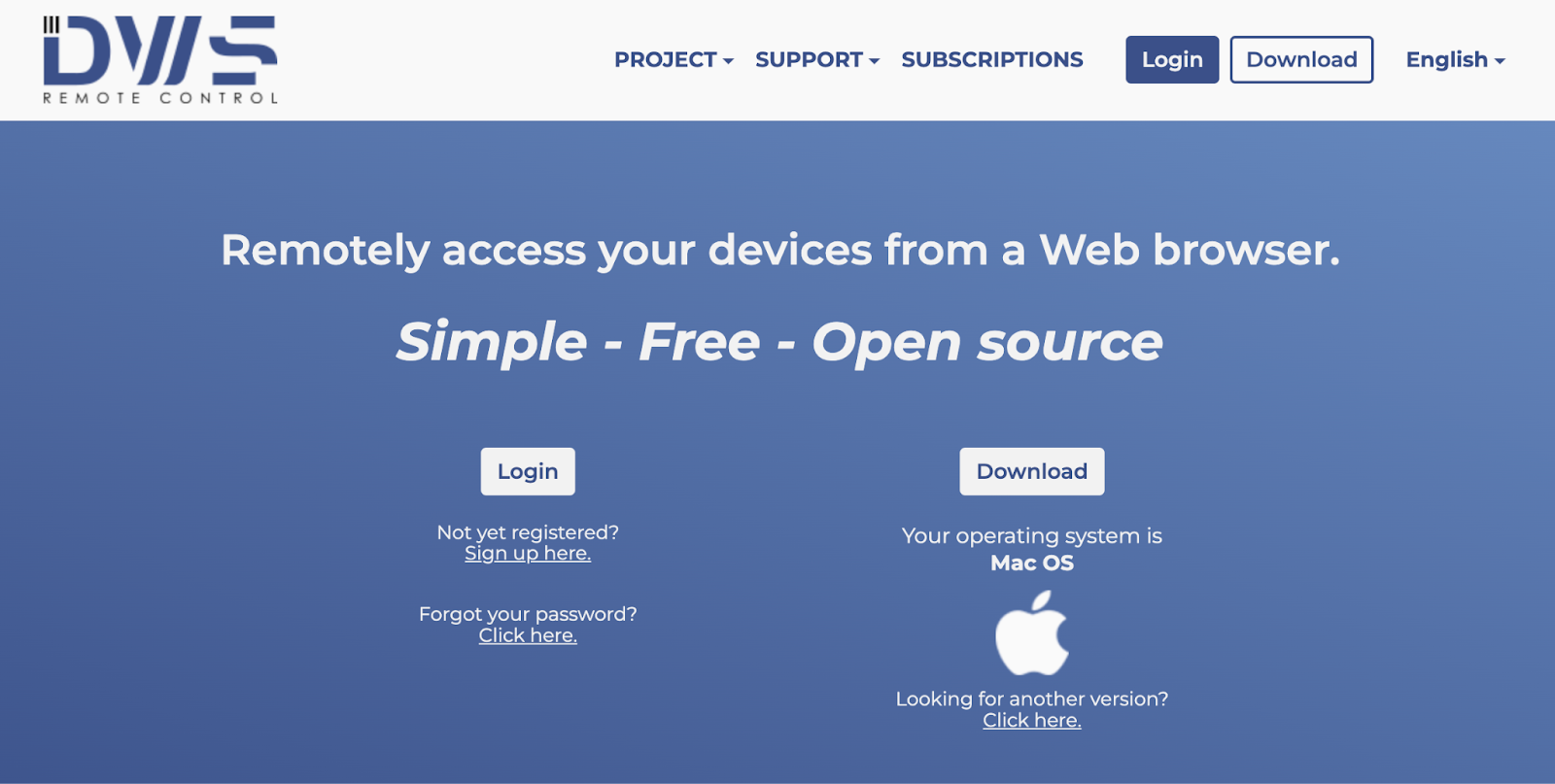
DWService offers a free plan with all essential remote desktop features and no ads. Optional paid subscriptions are available, starting at $4 per month, which provide higher bandwidth and additional perks like name recognition or logo placement. However, these subscriptions are not required to use the service.

DWService offers all the necessary remote desktop features for free and without ads. It’s a solid choice if cost is a major concern and you need a no-cost solution that still meets basic remote access needs.

7. GoToMyPC
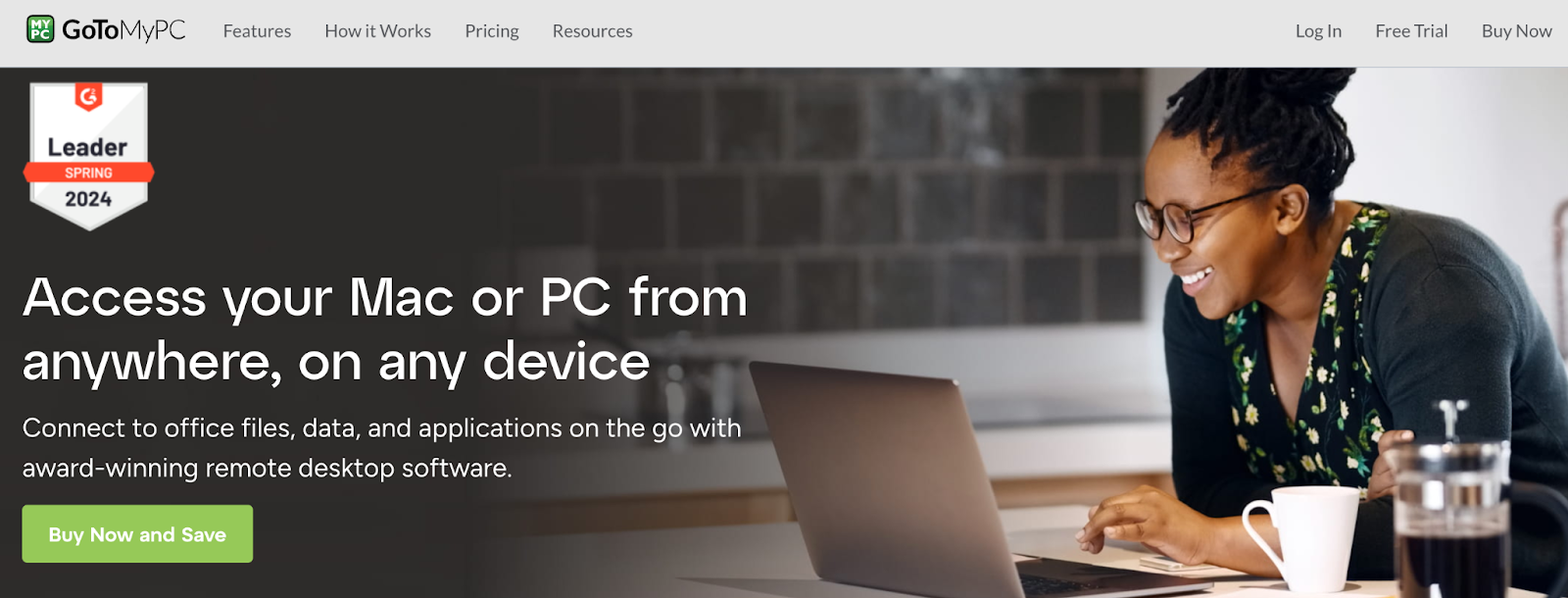
GoToMyPC Remote Desktop Software

GoToMyPC offers several pricing plans tailored to different user needs. The Personal plan, ideal for one user accessing multiple computers, starts at $35.00 per computer per month with savings applied. Higher pricing goes up to $28.00 per computer per month and includes advanced features like remote deployment, multiple admins, and SSO (Single Sign-On). 

GoToMyPC is a robust option known for its ease of use and reliable performance, but it comes with a higher price point compared to some other alternatives.

Read This Before You Choose Remote Desktop Software for Mac
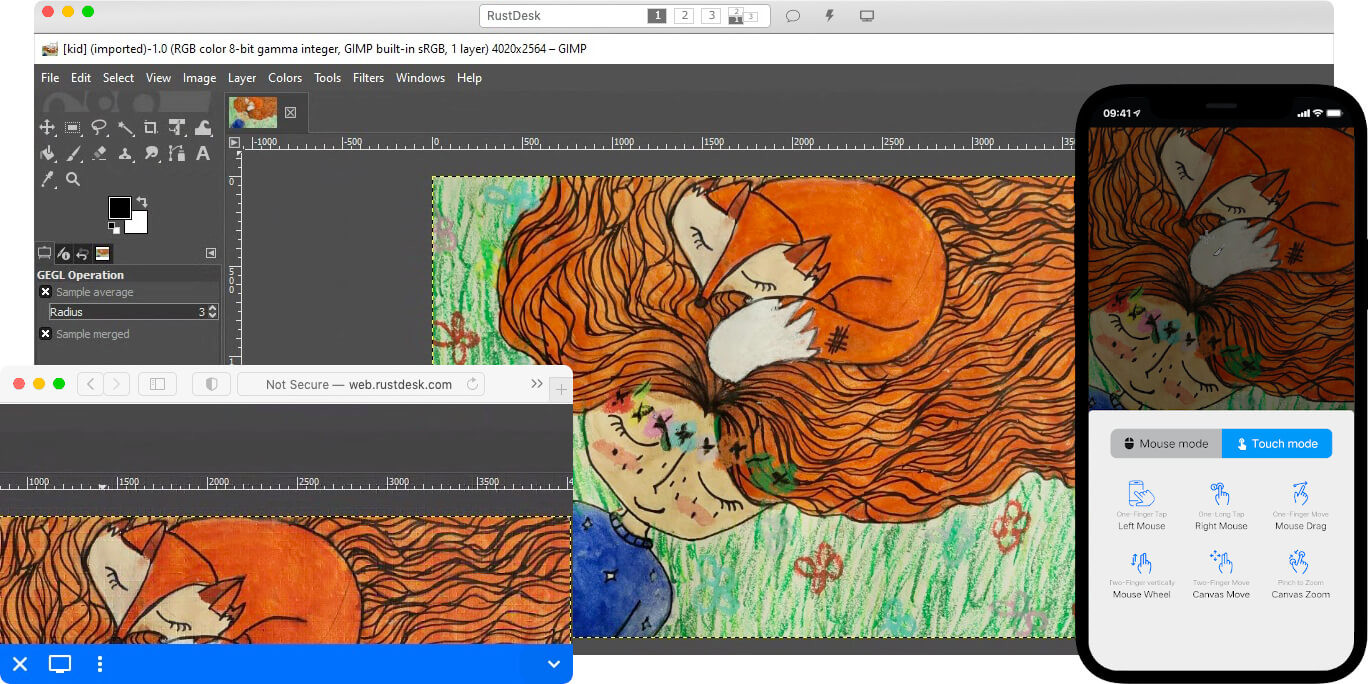
best remote desktop software for mac

Some remote desktop solutions may face issues with recent macOS updates, so it’s important to pick one that is up-to-date with the latest changes.

Make sure your the platform you choose is: 

  • Compatible with your OS version
  • Secure
  • Easy to use
  • Cost-efficient
  • Regularly updated
  • Unattended access-capable (if needed)

First, check for compatibility with your version of macOS. Security is another major factor; look for software that offers strong encryption and multi-factor authentication to protect your data from breaches. Ease of use is crucial—choose a tool with a simple interface that makes it easy to connect and manage your remote sessions without hassle.

Performance is also key; you want software that operates smoothly and has minimal lag, especially if you’ll be running resource-heavy applications remotely. Be mindful of the cost, as pricing can vary widely. Some programs offer free versions or trials, so you might want to explore those options to find what fits your budget. 

Support and regular updates are important as well; opt for a solution with good customer service and frequent updates to stay compatible with macOS improvements.

Lastly, if you need to access your Mac remotely when you’re not actively using it, make sure the software supports “unattended access”—This feature allows you to connect even if you’re not physically at your computer, which is especially useful for remote work or technical support.

You might also like: BILL Spend & Expense Card Review (Formerly Divvy Credit Card) 

Frequently Asked Questions 

Is AnyDesk better than Chrome Remote Desktop?

AnyDesk generally offers more features and better performance than Chrome Remote Desktop. It supports a wider range of platforms and provides advanced options for remote access, whereas Chrome Remote Desktop is simpler but less feature-rich.

Is Microsoft Remote Desktop free?

Yes, Microsoft Remote Desktop is free for Windows Professional, Enterprise, and Server editions. It is included with these versions of Windows and does not require additional costs. However, it’s not included with a free Microsoft or Hotmail account

Is there an alternative to Microsoft Remote Desktop?

Yes, there are several alternatives to Microsoft Remote Desktop. Options include AnyDesk, TeamViewer, Splashtop, and Chrome Remote Desktop. These alternatives offer various features and can be suitable depending on your specific needs.

Is AnyDesk better than RDP?

AnyDesk can be more comprehensive than RDP with its cross-platform support, smooth performance, and additional features like file transfer and session recording. RDP is free and integrated with Windows but may not offer as many features or cross-platform support.

Is RDP better than Chrome Remote Desktop?

RDP is generally more robust than Chrome Remote Desktop for advanced remote access needs. It offers more features, like file transfers and multiple sessions. Chrome Remote Desktop is easier to set up but lacks some of the advanced functionalities of RDP.

Conclusion: Which Remote Desktop Software is Best? 

In sum, the best remote desktop software for you depends on your specific requirements and budget. If you’re looking for a cost-effective and open-source solution, RustDesk or DWService might be your best bet. 

For those needing advanced features and robust security, ScreenConnect and BeyondTrust offer top-tier options, albeit at a higher price. Splashtop provides a balance of affordability and functionality, making it a solid middle-ground choice.

GoToMyPC is another strong option, especially for teams that need easy remote access and advanced administrative features, though it comes with a higher price tag. Finally, while AnyDesk has been popular, recent concerns about pricing and bugs might prompt you to explore other alternatives. 

Evaluate your priorities—whether it’s price, security, ease of use, or cross-platform compatibility—and choose the software that best aligns with your needs.

Want to learn how to obtain up to $100K in business credit in as few as 30 days? Join Business Credit Workshop today!
How to Find Aged Shelf Corporations Under $500 +Likely Issues 

August 17, 2024 By Joe

aged shelf corporation under $500

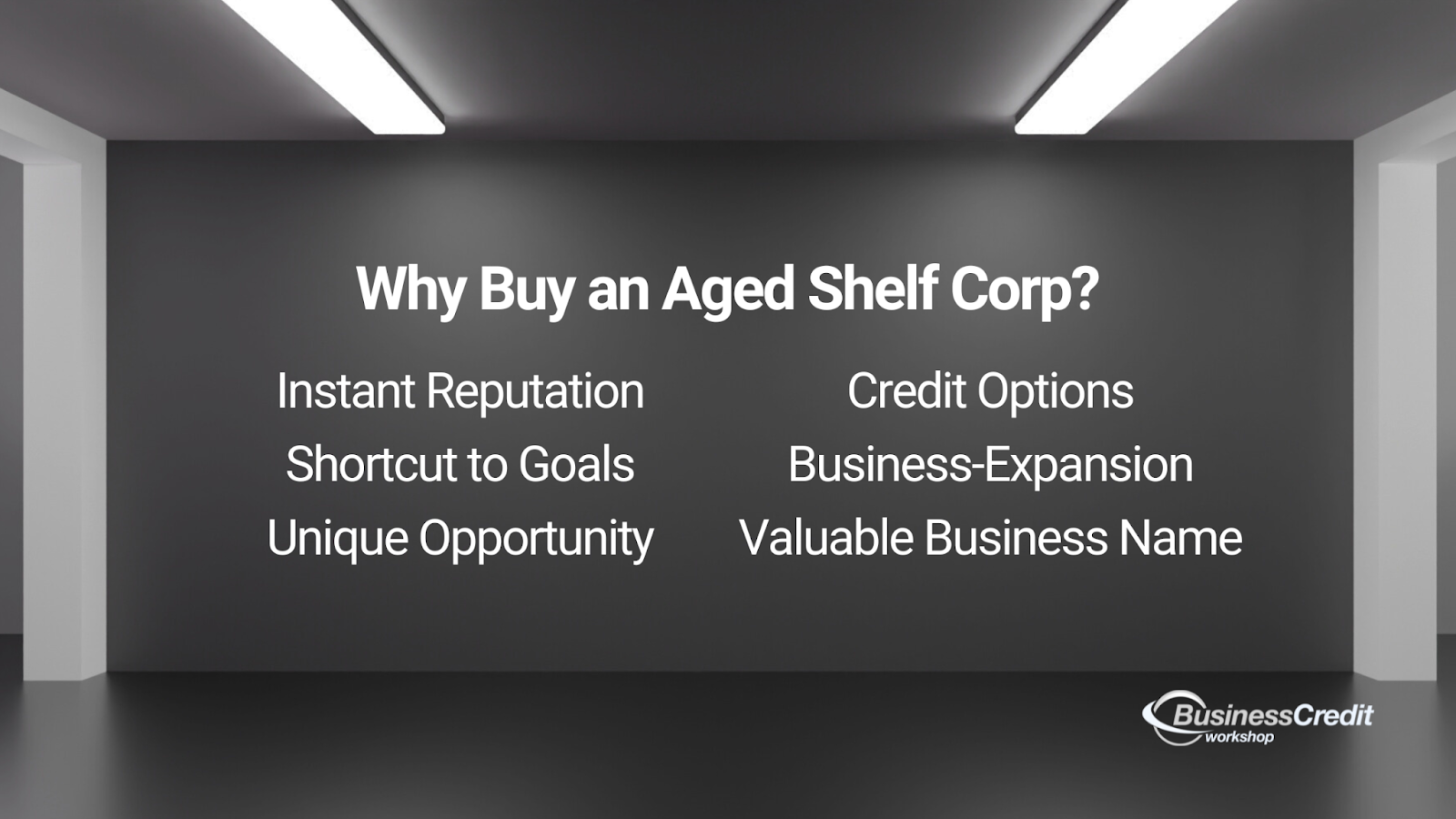
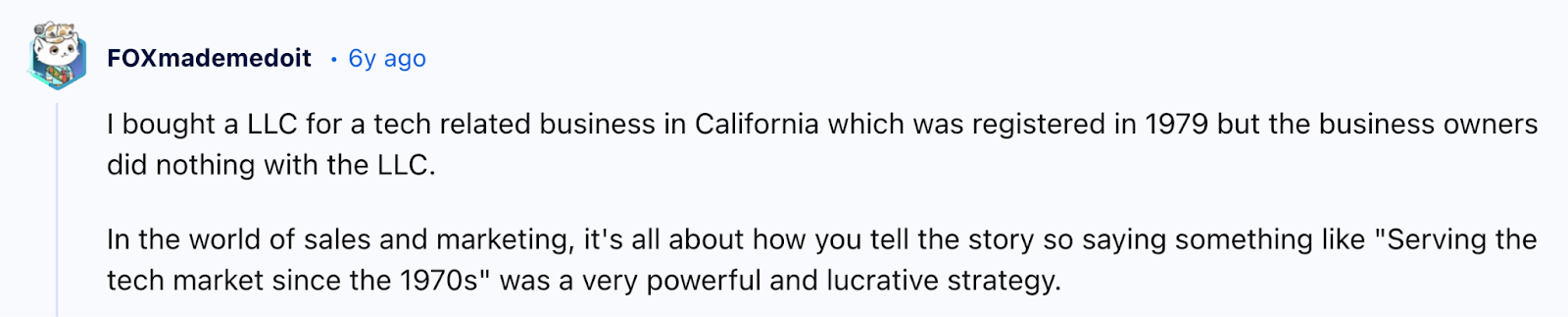
Starting a business is no small feat, especially when you want to hit the ground running with a company that already has some history. Aged shelf corporations can be a shortcut to many goals. They almost instantly give you an established entity with credibility that can speed up access to business credit. 

If you’re on a budget, you might be looking for shelf corporations under $500. This guide will explore these affordable options, answer common questions, and touch on some caveats you should think about.

This is what’s in store: 

  • How Much Does a Shelf Corporation Typically Cost?
    • Can You Buy an Aged S Corp?
    • What Are the Assets of a Shelf Company?
  • Is Buying a Shelf Company Worth It?
  • How to Choose the Right Shelf Corporation Under $500
    • 1. Check the Age of the Shelf Corporation
    • 2. Verify Compliance Status
    • 3. Review the State of Incorporation
    • 4. Examine the Name of the Corporation
    • 5. Check Financial History and Liabilities
    • 6. Look for Additional Services and Features
    • 7. Confirm the Legal Structure and Fit
    • 8. Research the Seller’s Reputation
  • Frequently Asked Questions
  • Conclusion

Now, let’s dive in.

How Much Does a Shelf Corporation Typically Cost?

Shelf corporations for sale

The price of a shelf corporation can vary, much like vintage items—Prices can range from a few hundred bucks up to $10K, so it’s super important to do your research. 

Several factors influence the cost of a shelf corporation: 

  • Older shelf corporations usually come with a higher price tag because of the corporate history. 
  • The state where the company is registered also affects the cost—Some places have higher fees and maintenance expenses while some have more corporation-friendly laws than others. 
  • Pricing can vary based on additional services like help with the ownership transfer or compliance.
  • A shelf corporation with a desirable name or specific legal structure might cost more. 
  • And, if the shelf company comes with extra documents like an EIN or credit reports, this can also increase the price. 

Of course, demand in certain areas or industries can influence pricing trends as well. Consider your needs and check for any hidden costs before you make a decision. 

Recommended: How to Find Aged Shelf Companies for Sale +Why Buy Them? 

Can You Buy an Aged S Corp?

You can absolutely purchase an aged S Corp—This is a type of shelf company that elects to be taxed under Subchapter S of the Internal Revenue Code. These entities offer benefits such as pass-through taxation, which can be advantageous. 

S Corps are available on several shelf corporation marketplaces. If you elect to purchase one, make sure the S Corp you’re considering has kept up with necessary filings and compliance requirements.

You might also like: How Much Does it Cost to Start an LLC (Beyond Licensing)? 

What Are the Assets of a Shelf Company?

Shelf companies usually don’t have significant assets or liabilities. They’re like blank slates with a history, meaning their value comes from their age and the credibility they bring, not from physical or financial assets. 

However, this can vary. Some shelf corporations may have been involved in transactions or other activities, while others remain completely unused and empty.

Are Shelf Corporations Legal?

You can’t necessarily use a shelf corporation with no trading history and simply pretend it has been in business for a long time. 

If you buy a shelf corporation that has been involved in activities like buying and selling products or services, be careful—There might be hidden problems or debts from its past. Make sure to carefully review business history and get legal advice to avoid future issues.

You might also like: 3 Best Business Credit Cards for a New LLC +More Resources 

Is Buying a Shelf Company Worth It?

why do people buy shelf corporations?

Buying a shelf company can be a smart move if you need to quickly establish business credibility. Instead of enduring the lengthy process of setting up a new business, you can quickly step in with a shelf company, making the setup process simple and hassle-free.

An aged shelf corporation might provide:

  • Instant credibility 
  • Faster credit access 
  • Time savings 

First, these established companies tend to provide instant street cred—Their age can make your business appear legit right from the start, which potentially earns you greater trust from customers and partners. 

Shelf companies can also open doors to opportunities that require a business with history, like: 

  • Meet a corporate lease requirement
  • Fulfill a business contract requisite
  • Satisfy a business loan or credit stipulation

Business lessors, decision-makers, investors, and lenders often favor companies with a few years of operation. 

Aged shelf corporations with credit package

So, an established shelf corp can make it easier to kickstart your business—Plus, if you want to expand into new markets, a shelf company might streamline some of the legal and regulatory aspects of your expansion. And, if the shelf company comes with a desirable name, you get the benefit of using it without the effort of registering a new one. 

You might also like: Low-Risk NAICS Codes +Best SIC Codes for Business Credit

How to Choose the Right Shelf Corporation Under $500 

List of shelf corporations under $500

To find the best shelf corporations under $500, search online marketplaces and business brokers. 

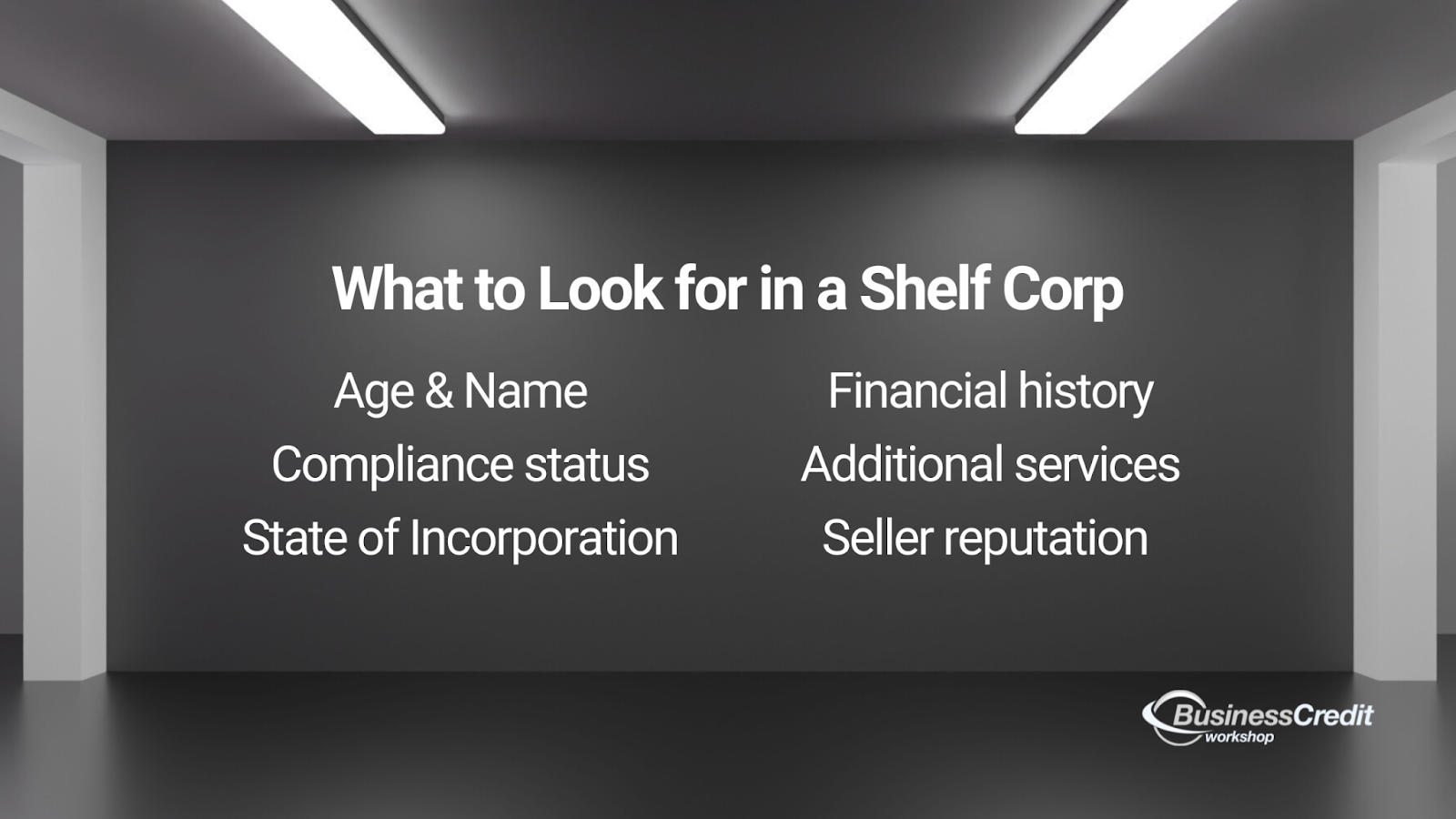
Make sure the shelf company meets your requirements: 

  • Age
  • Compliance status
  • State of incorporation
  • Name 
  • Financial history
  • Additional services
  • Seller reputation 

For the most part, shelf corporations available in this price range are less than a year old. But, just because they’re not listed doesn’t mean they’re necessarily unavailable. 

Ask your friends, family, or anyone in your network if they have an old business they never used. My uncle had one, and lots of people do. If you can get it back in good standing, you might be able to buy it for under $500.

Now, let’s explore how you can go about making sure a registered entity has everything you need. 

You might also like: Comprehensive ZenBusiness Review: Is it Legit for LLCs? 

1. Check the Age of the Shelf Corporation

To start, evaluate the age of the shelf corporation—An established company with several years of history can offer significant advantages, like a credibility boost and easier access to credit. 

If you’re looking at shelf corporations costing less than $500, you’ll usually find ones that are about a year old or younger. These newer companies might not seem as trustworthy as older ones, but they can still be useful in some cases.

2. Verify Compliance Status

Next, make sure that the shelf corporation is in good standing with all relevant regulatory requirements. Check that all necessary filings and fees have been paid and that there are no outstanding penalties or compliance issues. 

A corporation in good standing reflects proper maintenance and reduces the risk of legal complications. Request documentation from the seller to verify the company’s compliance status and confirm that it meets all legal requirements.

3. Review the State of Incorporation

The state where the shelf corporation is registered can have a major impact on its advantages. Some states offer more favorable business laws, tax benefits, or regulatory conditions. 

For example, Delaware is known for its business-friendly environment—this might be beneficial depending on your needs. Evaluate whether the state of incorporation aligns with your business strategy and operational requirements.

4. Examine the Name of the Corporation

The name of the shelf corporation is another critical factor to consider. A name that fits well with your branding or operational needs can enhance your business’s image and save you from the hassle of registering a new one. 

Ensure the name is appropriate and does not conflict with existing trademarks or legal issues. A suitable name can help you establish a professional presence more quickly and seamlessly.

5. Check Financial History and Liabilities

It’s super important to investigate the financial history of a shelf corporation to make sure it’s free of any outstanding liabilities or debts. A clean financial record is crucial to avoid inheriting potential financial issues. 

Request detailed financial statements or reports from the seller to verify that the corporation’s financial history is clear. Make sure there are no hidden obligations that could complicate your acquisition.

You might also like: Business Credit Report – Run a Free Company Search with Experian 

6. Look for Additional Services and Features

When you evaluate a shelf corporation, consider any additional services or features included in the purchase. 

Some sellers offer extras like: 

  • Help with ownership transfer
  • Regulatory documentation preparation 
  • A credit-building package

These added benefits can streamline the setup process and provide additional value—Assess what’s included in an offer to determine if it meets your specific needs and adds convenience to the transaction.

You might also like: How to Create a Business Credit “Entity” 

7. Confirm the Legal Structure and Fit

Verify that the legal structure of the shelf corporation aligns with your business needs. Whether you require an LLC, S Corp, or another type of entity, ensure that the corporation’s structure supports your operational and regulatory requirements. 

The right legal structure can provide the appropriate legal protections, tax advantages, and operational flexibility. Confirm that the shelf corporation fits well with your business strategy and goals.

You might also like: Sole Proprietorship VS LLC: How to Choose Your Entity Wisely 

8. Research the Seller’s Reputation

Finally, choose a shelf corporation from a reputable seller with positive reviews and a solid track record. A trustworthy seller will make sure you receive a legitimate, well-maintained entity—this minimizes the risk of potential issues. 

Research the seller’s background and customer feedback to verify their reliability and the quality of their listings. A reliable seller will provide peace of mind and help ensure a smooth acquisition process.

You might also like: 11 Alternative Ways for Entrepreneurs to Raise Capital

Frequently Asked Questions

What are aged shelf corporations with credit packages?

These are shelf companies bundled with additional services like credit-building packages. These packages might help you secure business credit faster with extra resources.

What are the best shelf corporations under $500?

The best shelf corporation depends on your specific needs and preferences. Look for companies that offer a balance of age, credibility, and any extra features you might need. 

Are Delaware shelf corporations for sale?

Yep, many sellers offer Delaware shelf corporations, which are popular because of Delaware’s business-friendly laws.

Can I buy a wholesale shelf corporation?

Yes, purchasing multiple shelf corporations at once, or a wholesale shelf corporation, can sometimes offer a discount—This option might be ideal for investors or businesses that need several entities.

Conclusion

Aged shelf corporations under $500 can offer a cost-effective solution for quickly establishing a business with a credible history. By understanding the costs, benefits, and legal aspects, you can find the right shelf company to meet your needs.

Looking to boost your business with a shelf company, faster access to credit, and a year of free Business Credit Elite Club membership? Get a 3-year old shelf corporation and elevate your business today.

Want to learn how to obtain up to $100K in business credit in as few as 30 days? Join Business Credit Workshop!

What is Proof of Funds? Examples, Template, and How to Show it

August 8, 2024 By Joe

Proof of Funds

Proof of funds or POF comes up in most large financial transactions, particularly in real estate. If you apply for financing, participate in an auction, or make an offer on real property or another valuable item, you’ll be asked to provide proof of funds to demonstrate you can actually afford what you’re asking for. 

Here, you’ll find exactly what proof of funds is, see examples, and learn how to show it when needed. 

This is what’s in store: 

  • What is Proof of Funds?
  • How Do You Demonstrate Proof of Funds?
    • What Qualifies as Proof of Funds?
  • What is a Proof of Funds Letter?
  • How Do You Get a POF Letter for Real Estate?
    • How to Get a POF Letter From Your Bank
    • How to Get a POF Letter From a Hard Money Lender
  • Frequently Asked Questions
  • Final Takeaway

Now, let’s roll!

What is Proof of Funds? 

What is Proof of funds in Real Estate?

Proof of funds (POF) is a document or evidence that shows you have the financial means to complete a transaction. It’s usually required when you buy a property, apply for a loan, or make a large purchase. 

Your POF can come in several forms, including:

  • Bank statements
  • Letters from banks or lenders
  • Investment statements
  • Proof of ownership of assets

The purpose is to reassure the seller, lender, or another party that you have the necessary funds to cover the cost.

In real estate, POF is a specific document that demonstrates that you have sufficient cash to cover the purchase of a home, including the down payment, closing costs, and escrow fees. 

While a POF letter is customarily required when you buy a house, there are exceptions–For instance, if a property is sold directly by the owner, or if the buyer provides other evidence in the form of cash, account balances, or printed bank statements, a POF letter might not be needed.

You might also like: How to Raise Money for Real Estate Investment: A Beginner’s Guide 

How Do You Demonstrate Proof of Funds? 

how to show proof of funds

In short, you can demonstrate proof of funds with bank statements, letters from banks, investment statements, and proof of assets. But, it can’t just be any bank statement or letter. 

Bank statements must be recent, showing your current account balance. And, letters from banks or lenders must be official letters that verify either your account balance or the sum of funds available. 

Moreover, investment statements must show the value of your investments and state how quickly these funds can become available if the transaction is finalized. Likewise, proof of assets needs to come in the form of documentation of valuable assets like real estate or stocks currently owned.

Recommended: The Ultimate Guide to Fix and Flip Loans: Fund Your Next Venture 

What Qualifies as Proof of Funds? 

The success of a deal usually depends on the availability of funds, including the amount you have or can get and how quickly you can provide it. Assets without liquidity (immediate cash value) typically don’t qualify as proof of funds. 

The following typically don’t qualify as liquid assets: 

  • Life insurance
  • Mutual funds
  • Retirement accounts
  • Automobiles
  • Collectibles

Liquid assets are those that can be quickly converted into cash without significantly affecting their value. 

Some examples of liquid assets include:

  • Prequalification for a mortgage or loan intended to purchase the property 
  • Physical cash money or funds in a checking account
  • Funds in savings accounts that can be accessed readily
  • Money Market Accounts that offer immediate withdrawal
  • Certificates of Deposit that are close to maturity or have a low penalty for early withdrawal
  • Publicly traded securities that can be sold quickly on the market
  • Short-term government securities that can be easily converted to cash

Usually, as long as you can get quick access to cash, your asset or account should qualify. Each party and institution may have their own terms. 

Be sure to clarify with the party whether or not the type of assets you have will qualify as POF for the transaction. For example, some parties will accept crypto investments as a liquid asset and others will not.

What is a Proof of Funds Letter? 

What is a typical proof of funds letter?

A proof of funds letter or POF letter is a document from a financial institution that verifies that you have the necessary funds available for a specific purpose. It can serve as evidence that you have the financial resources required to complete a transaction.

The letter typically includes:

  • Your name and contact information 
  • The institution’s information including name and address
  • The date the letter was issued
  • Account balance and type of account 
  • Confirmation from the institution that funds are available
  • The signature and title of the representative verifying your funds

This letter will reassure the seller or lender that you have the financial capability to proceed with the transaction.

You might also like: How to Get Money for Real Estate Investing: 18 Practical Ideas 

How Do You Get a POF Letter for Real Estate? 

how to get a proof of funds letter

Proof of funds doesn’t just appear out of thin air–You have to put in a little bit of footwork. 

To obtain proof of funds, you generally need to:

  1. Reach out to your bank or financial institution where your funds are held. You can do this in person, by phone, or through their online services.
  2. Ask for a letter or statement verifying your available funds. Specify that you need this for a particular purpose, such as buying a home or applying for a loan.
  3. Be prepared to provide your account details and any specific information the bank needs to generate the letter.
  4. Once the bank processes your request, review the letter for accuracy. Ensure it includes all required details and is issued on official bank letterhead.

To make it easy on the institution, provide them with a list of what you need. 

Here’s a basic proof of funds letter template:


[Bank’s Letterhead]

[Date]

To Whom It May Concern:

This letter is to confirm that [Your Full Name] holds an account with our institution. The details of the account are as follows:

  • Account Holder: [Your Full Name]
  • Account Number: [Account Number]
  • Account Type: [Checking/Savings/Money Market]
  • Current Balance: [Available Balance]

As of the date of this letter, the funds listed above are available and accessible to the account holder.

If you have any questions or need further information, please contact us at [Bank’s Contact Information].

Sincerely,

[Bank Representative’s Name]
[Bank Representative’s Title]
[Bank’s Name]
[Bank’s Contact Information]


Note: With two clicks, you can instantly create a copy of this proof of funds template in GDocs, then edit as you like. 

How to Get a POF Letter From Your Bank

To obtain a Proof of Funds letter from your bank, reach out to your bank or financial institution—You can do this in person, online, or over the phone.

Then, just ask for a POF letter. A POF letter will confirm the amount of money you have available in your account. Be ready to give details like the amount of funds needed, your account information, and any specific requirements the seller might have.

Your bank will prepare the letter, typically including your account balance and a statement that the funds are available for the transaction.

You might also like: Should You Use a Real Estate Investor Line of Credit to Buy Property? 

How to Get a POF Letter From a Hard Money Lender

If you’re using a hard money lender, the process is a bit different. First, you should look for a reputable hard money lender who specializes in short-term loans for real estate.

Before you can get proof of funds, you’ll need to apply for a loan. To do this, you typically need to provide information about the property you’re interested in and your financial situation.

Once you’re pre-approved, the hard money lender will provide a POF letter. This letter will indicate the amount they are willing to lend you and confirm that the funds are available. Keep in mind that the seller or agent could charge an additional fee or deposit for hard money transactions (since so many of these fall through). 

Proof of Funds Hard Money Lender

Finally, just present your POF letter to the seller or real estate agent to show that you have the financial backing to complete the purchase.

You might also like: A Review of Alpha Funding Partners – Are Their Solutions Right for You? 

Frequently Asked Questions 

Do I need to show proof of funds?

To find out if you need proof of funds, review the requirements for your transaction. Then, ask the seller or lender directly if proof of funds is needed. This will help you determine if proof of funds is required.

How do you prove where money came from?

To prove where money came from, you can provide documentation like bank statements, transaction records, or a letter from your bank that details the source of the funds—This is often required for compliance with financial regulations and to verify the legitimacy of the funds.

Does a 401(k) count as proof of funds?

No, a 401(k) does not count as proof of funds for transactions that require liquid assets because it is not considered liquid. Proof of funds typically needs to be in the form of cash or easily accessible accounts like checking or savings accounts.

What is a hard money proof of funds letter?

A hard money proof of funds letter is a document issued by a hard money lender confirming that they have the funds available to lend for a real estate investment. It is evidence that the lender has the financial capacity to provide the loan, often used in real estate transactions to reassure sellers or agents.

Final Takeaway

POF is a document or evidence that shows you have the financial means to complete a transaction like buying a property or applying for a loan–It includes various forms like bank statements, letters from financial institutions, and investment statements. 

Liquid assets like cash and checking accounts, are acceptable for POF, while non-liquid assets, like retirement accounts and collectibles, are not. To obtain a POF letter, request it from your bank or financial institution, make sure it’s recent, detailed, and on official letterhead. 

Do you want to learn how to obtain up to $100K in business credit in as few as 30 days? Join Business Credit Workshop today!

What is the Best Personal Finance Software? Free and Paid Options

August 4, 2024 By Joe

Best Personal Finance Software

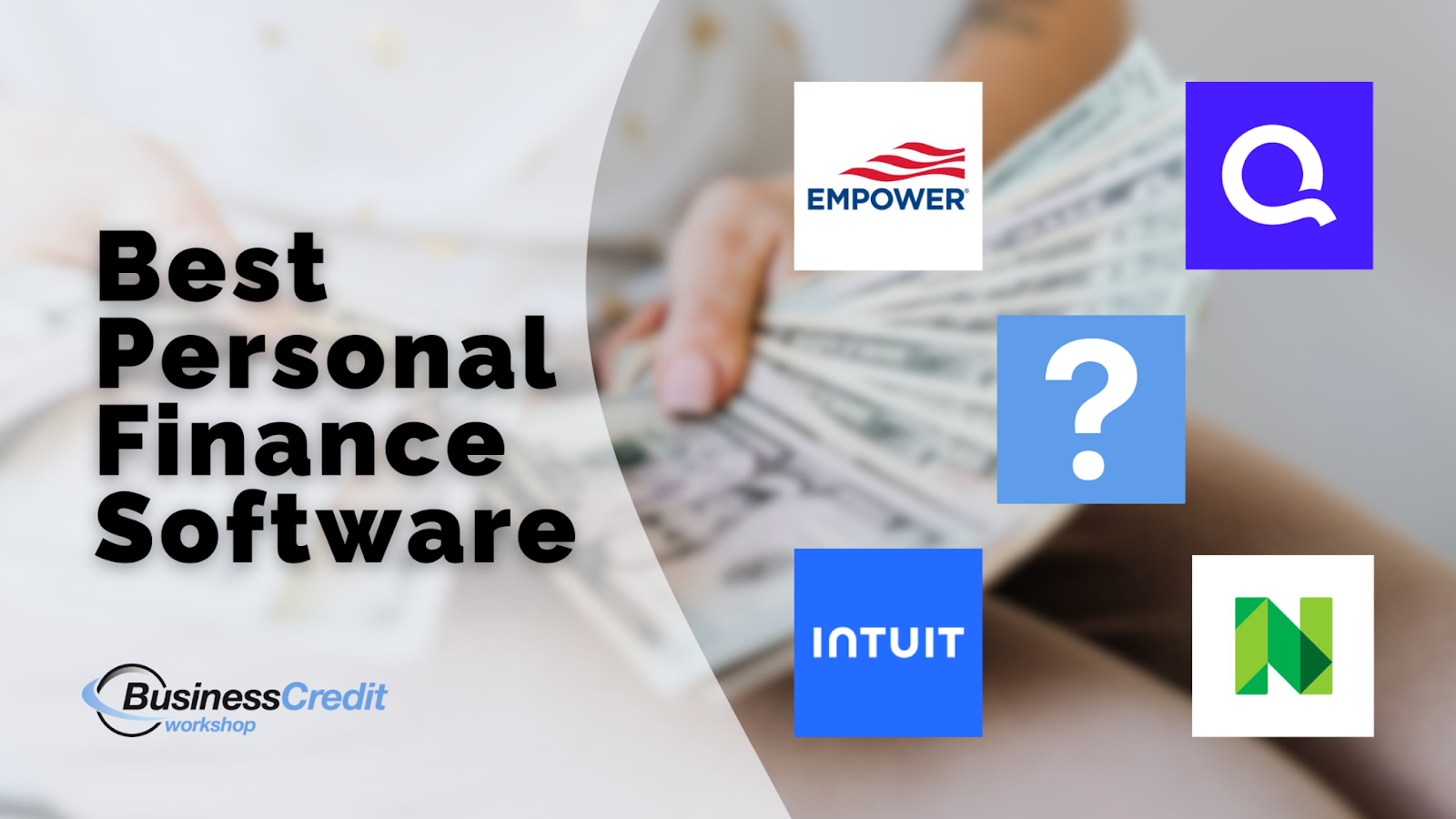
So, you’re looking for the best way to manage your finances with the help of an app. Whether you want an option that’s free and fully customizable, or a paid offer with all the bells and whistles, I’m sure you’ll find something you like in this list. 

Let’s explore the best personal finance management software for all budgets, skill levels, and needs. 

This is what’s in store: 

  • What is Personal Finance Software?
    • Is There Something Like Quickbooks for Personal Use?
    • How to Choose a New Finance System
  • What is the Best Personal Finance Software?
    • 1. Google Sheets
    • 2. GnuCash
    • 3. KMyMoney
    • 4. Mint (Now in CreditKarma)
    • 5. NerdWallet
    • 6. Credit Sesame
    • 7. WalletHub
    • 8. Rocket Money
    • 9. Simplifi
    • 10. YNAB (You Need A Budget)
    • 11. Empower Personal Wealth
    • 12. Quicken Classic Deluxe
  • Frequently Asked Questions
  • Final Thoughts

Now, let’s roll! 

What is Personal Finance Software? 

Personal finance software is a computer or mobile app designed to help individuals manage their personal finances more effectively. These tools provide a range of features to assist with budgeting, tracking expenses, managing investments, and planning for financial goals.

Some features that personal finance software might offer are:

  • Budgeting
  • Expense tracking
  • Investment management
  • Financial planning
  • Reporting
  • Bill payment
  • Credit monitoring

Overall, personal finance software makes managing your money easier and more organized, and gives you better control over your financial life.

You might also like: Cred AI Review: Are You Really Better Than Your Bank? 

Is There Something Like Quickbooks for Personal Use? 

There are several personal finance tools that work like QuickBooks but are designed for personal use. For example, Quicken™ is a solid all-rounder, offering budgeting, expense tracking, investment management, and bill payment. In contrast, Mint™ is great for easy budgeting and expense tracking but doesn’t handle investments. 

Meanwhile, YNAB™ (You Need A Budget) is all about zero-based budgeting and tracking expenses, without investment features. On the other hand, Personal Capital™ covers budgeting, expense tracking, and investment management, though it doesn’t focus much on bill payment. 

Additionally, Moneydance™ offers budgeting, expense tracking, investment management, reporting, and bill payment. However, PocketGuard™ is useful for budgeting and expense tracking but doesn’t dive deeply into investments or bill payment.

You might also like: 6 Best Fintech Credit Cards to Apply for (Consumer & Business) 

How to Choose a New Finance System

To choose the right personal finance management system, start by identifying your specific needs, such as budgeting, expense tracking, investment management, or bill payment. Consider how comfortable you are with technology; some tools offer advanced features that might require a steeper learning curve. 

Next, compare the features of various options to find one that matches your needs while staying within your budget. For example, if you need comprehensive financial management and are willing to invest in a subscription, tools like Quicken™ or Personal Capital™ might be suitable. 

If you prefer a free or lower-cost solution, options like Mint™ or PocketGuard™ could be better. Ultimately, select a system that balances functionality with ease of use and affordability to best support your financial goals.

You might also like: Meet the Ava Card: An Uncut Credit Builder Review 

What is the Best Personal Finance Software? 

We could try to rate the best personal finance software based on how many people use it or how many stars each is rated on G2. But, that’s not the best way to choose. You need software that meets your needs and fits your budget and skillset. 

Here, I’ll give you a rundown of my top picks. But, first, here’s a quick overview.

Best personal finance software comparison
  • ✅ = Available
  • ❌ = Not Available

Now, let’s take a closer look at each—Be sure to check the brand websites for up-to-date features and pricing, as these can change.  

You might also like: Credit Secrets Book Review: Can You Erase Bad Credit History? 

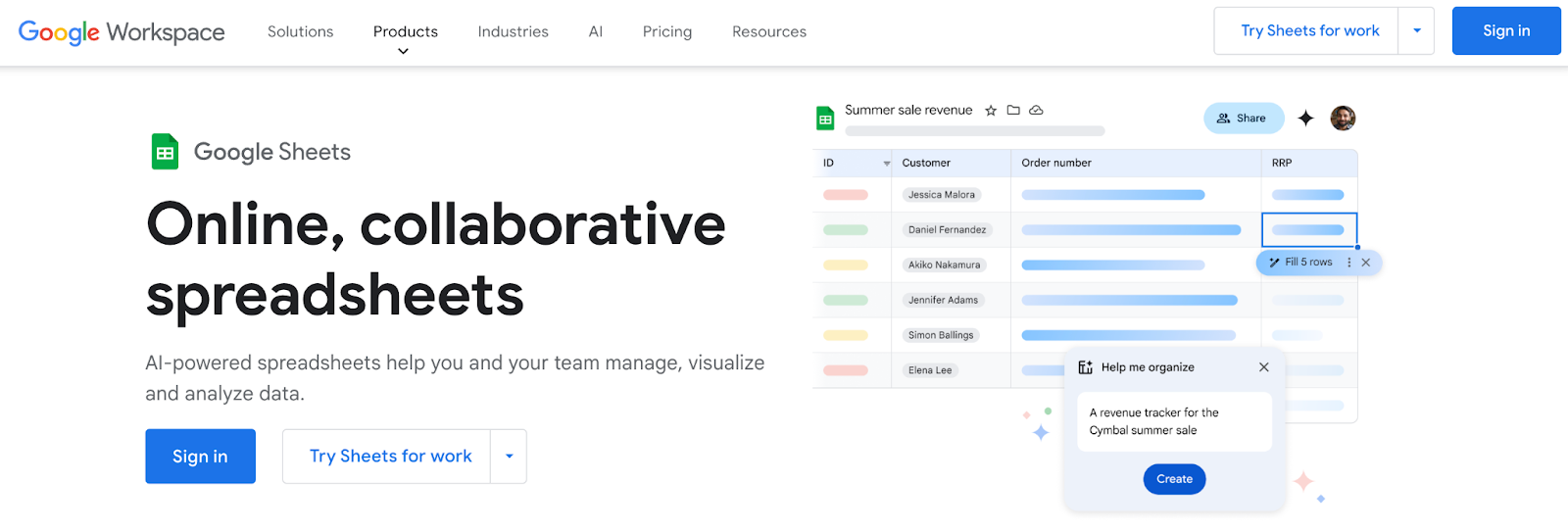
1. Google Sheets

Best free personal finance software

Google Sheets is a free tool from Google that lets you create custom spreadsheets for managing your finances. It’s one of the best free personal finance software choices because it’s completely customizable.

You can use it for: 

  • Budgeting
  • Expense tracking
  • Setting financial goals
  • Nearly anything else

Google Sheets is fantastic if you like customizing your financial tracking and are comfortable working with spreadsheets. The more you know about the platform, the more robust your system can be. See Google’s cheat sheets and other resources to get the most from this tool. 

However, Google Sheets doesn’t come with built-in financial analysis tools, so you would need to set those up yourself—This can be time-consuming if you’re not familiar with creating formulas and templates.

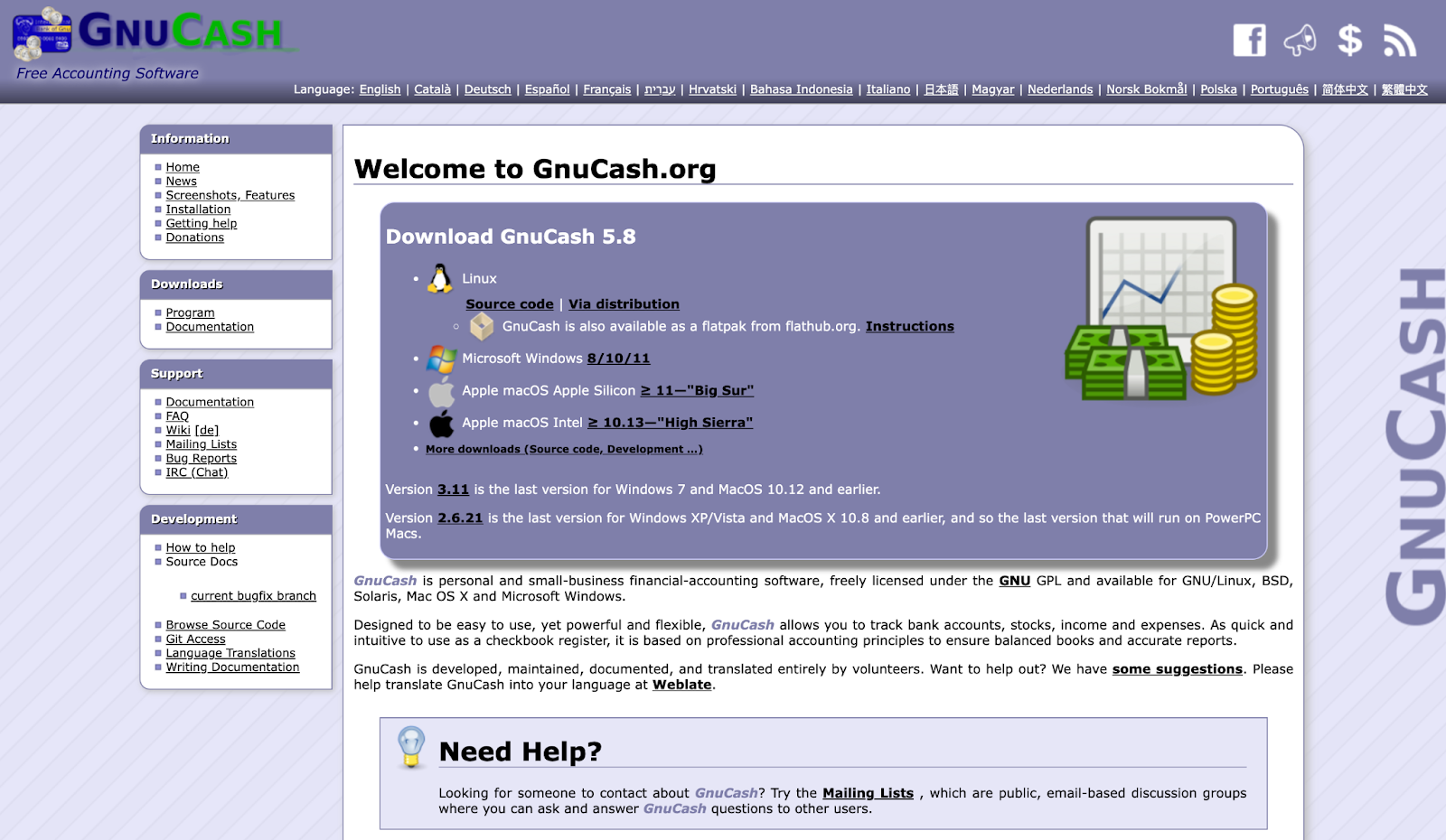
2. GnuCash

Best personal finance software free

GnuCash is a free, open-source accounting software that’s suitable for both personal and small business finances. 

It includes features like: 

  • Double-entry accounting
  • Budgeting
  • Financial reporting

This makes it a powerful tool to comprehensively manage your finances. It’s ideal if you need a detailed, customizable tool without the cost of commercial software. If you’re the tech-savvy type, check out GnuCash’s documentation to see what all you can do. 

On the downside, GnuCash can be complex and may have a steeper learning curve than more user-friendly paid options, which might be a drawback if you prefer a simpler interface.

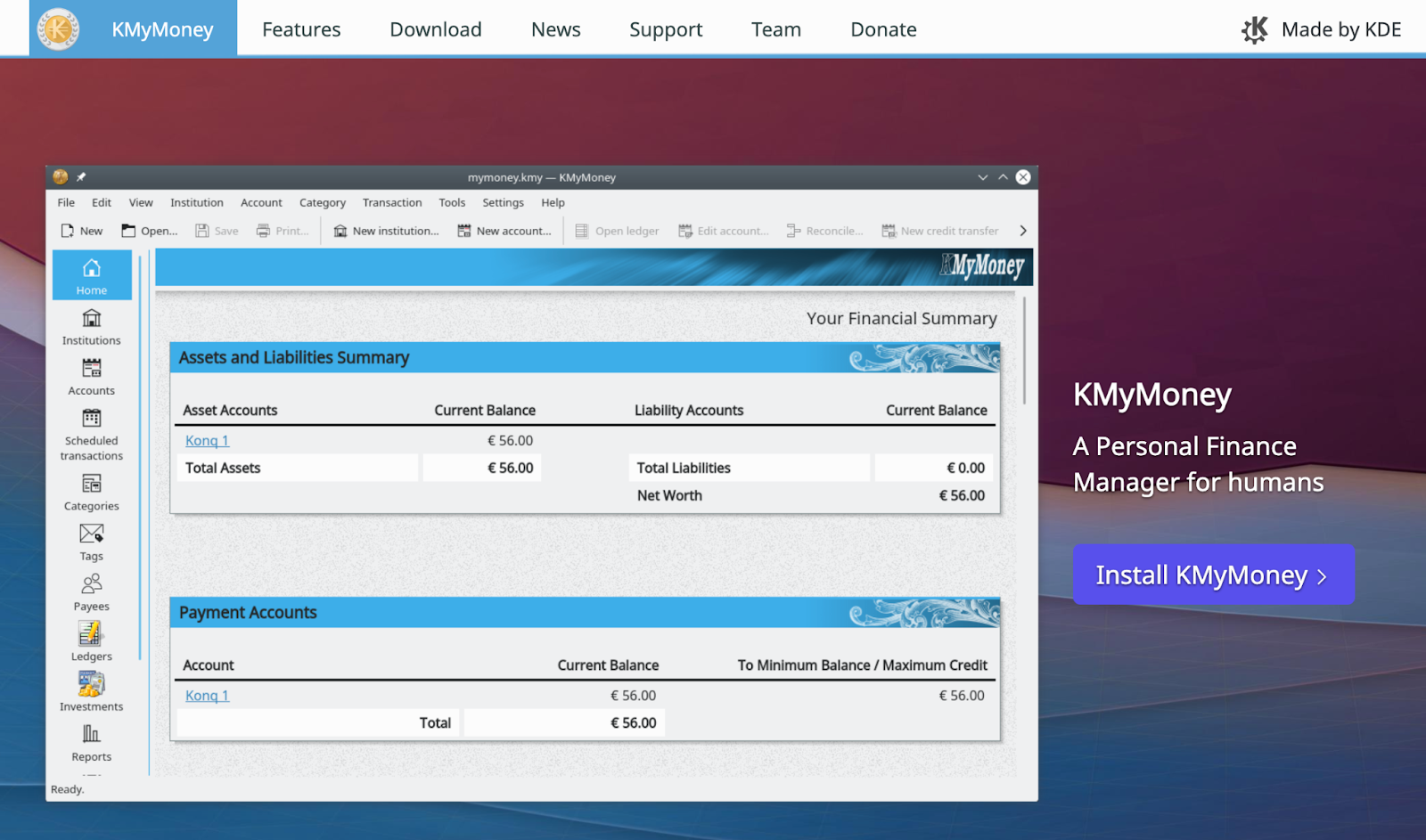
3. KMyMoney

Best personal finance software for mac

KMyMoney is a free, open-source personal finance manager that supports: 

  • Multiple accounts
  • Budgeting
  • Investment tracking

It’s a good choice if you prefer a desktop app with advanced features similar to paid software. Use this offline personal finance software with Linux, Windows, or Mac. 

KMyMoney offers robust tools to manage finances but can be overwhelming for beginners due to its extensive feature set—Additional