• Home
  • Free Funding Guide
  • What We Offer
    • Products
    • Services
    • Free Guide
  • About Us
  • Contact
  • Sign Up

  • Ask Joe Any Question!
  • Business Credit Cards
  • Business Line of Credit
  • Topics

Real-Time Payments: A Business Owner’s Guide to Current Tech

February 23, 2023 By Joe

Real-Time Payments

Recently, we’ve been reviewing popular online banks, and I noticed a trending issue: Many business banking offers are incompatible with Zelle — it’s hanging people up. But, there’s a promising technology that might give Zelle and other P2P payment platforms a run for their money: Real-Time Payments. 

Here, I break down what I know about this tech and how real-time payments could revolutionize small business banking. 

Here’s what’s in store:

  • What are Real-Time Payments?
    • The Clearing House Company Overview
    • How Do Real-Time Payments Work?
      • Real-Time Payments Features
      • Where are Real-Time Payments Available?
      • What is the Difference Between ACH and RTP?
  • Which Banks Offer Real-Time Payments?
    • Do All Banks Accept RTP?
  • Frequently Asked Questions
  • Summary

Now, let’s roll! 

What are Real-Time Payments? 

RTP® is a new, mobile-ready, instantaneous payment platform from The Clearing House. The platform has been available to its Real-Time Payments Network (participating banks and credit unions) for five years. 

Recently The Clearing House announced some exciting changes: 

  • Higher volume capabilities
  • Expanded technical access
  • Enhanced fraud prevention
  • Improved invoicing functionality 
  • New banks onboarding weekly  
Real-Time Payments wiki

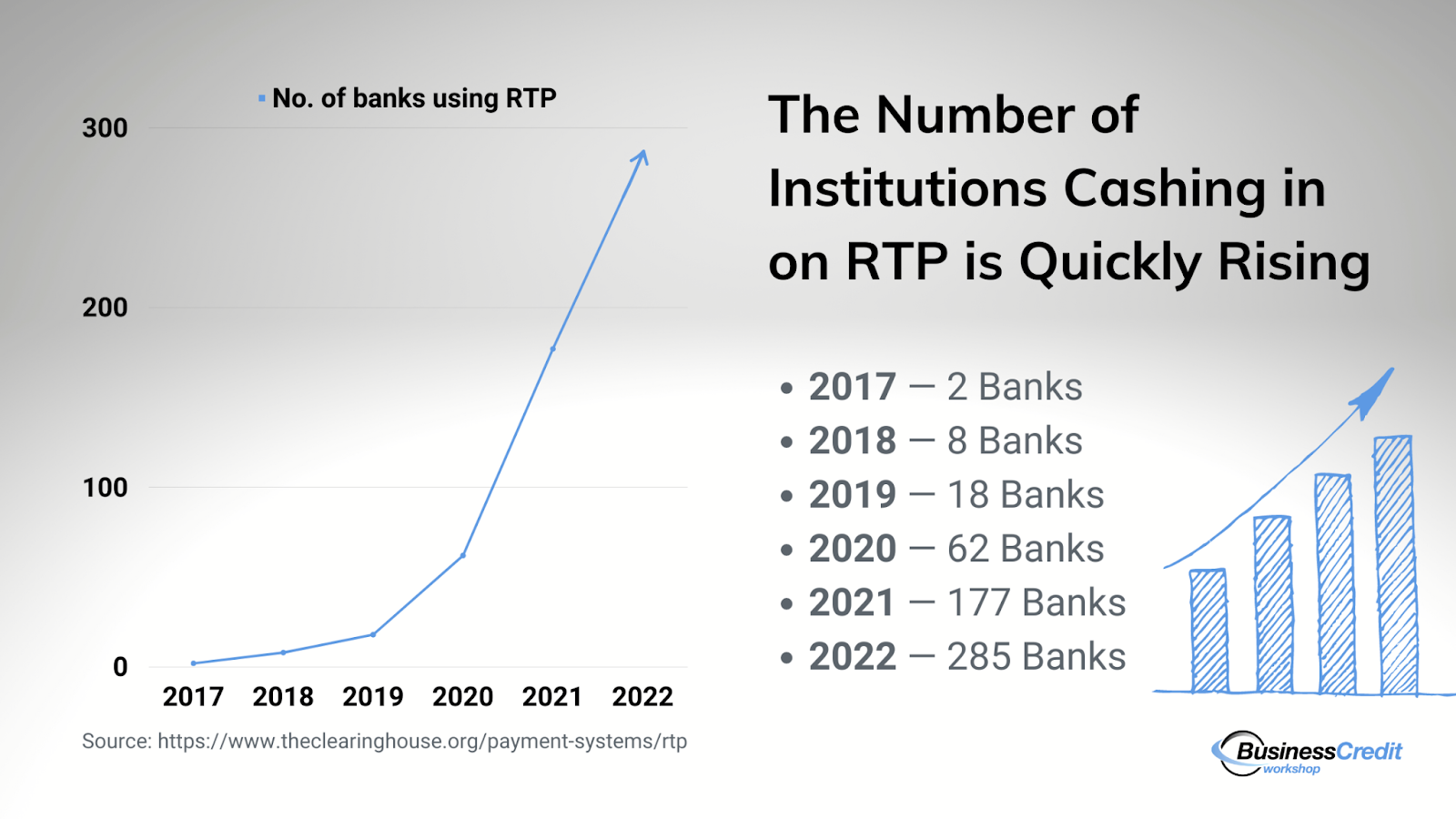
The platform has grown from 2 participating banks at the onset of 2017 to 62 in October of 2020, and engagement has since exploded — As of November 2022, 285 banks have signed on to offer RTP to their account holders.

You might also like: What’s the Best Payment Processor for a Small Business? Really

The Clearing House Company Overview

The Clearing House Payments Company, LLC, also known as THC, is a New York-based payments company, established in 1853 — it’s the oldest banking association and payments company in America. TCH is owned by the largest commercial banks, responsible for more than half of the country’s deposits. 
The company provides payment, clearing, and settlement services to its banks and third-party financial institutions. THC is responsible for almost half of all funds-transfer and check-image payments in the United States, which total nearly $2 trillion daily. 

TCH employs 479 LinkedIn members, led by the current CEO, James Aramanda. This is an established, well-trusted company with a highly-impressive track record. 

How Do Real-Time Payments Work? 
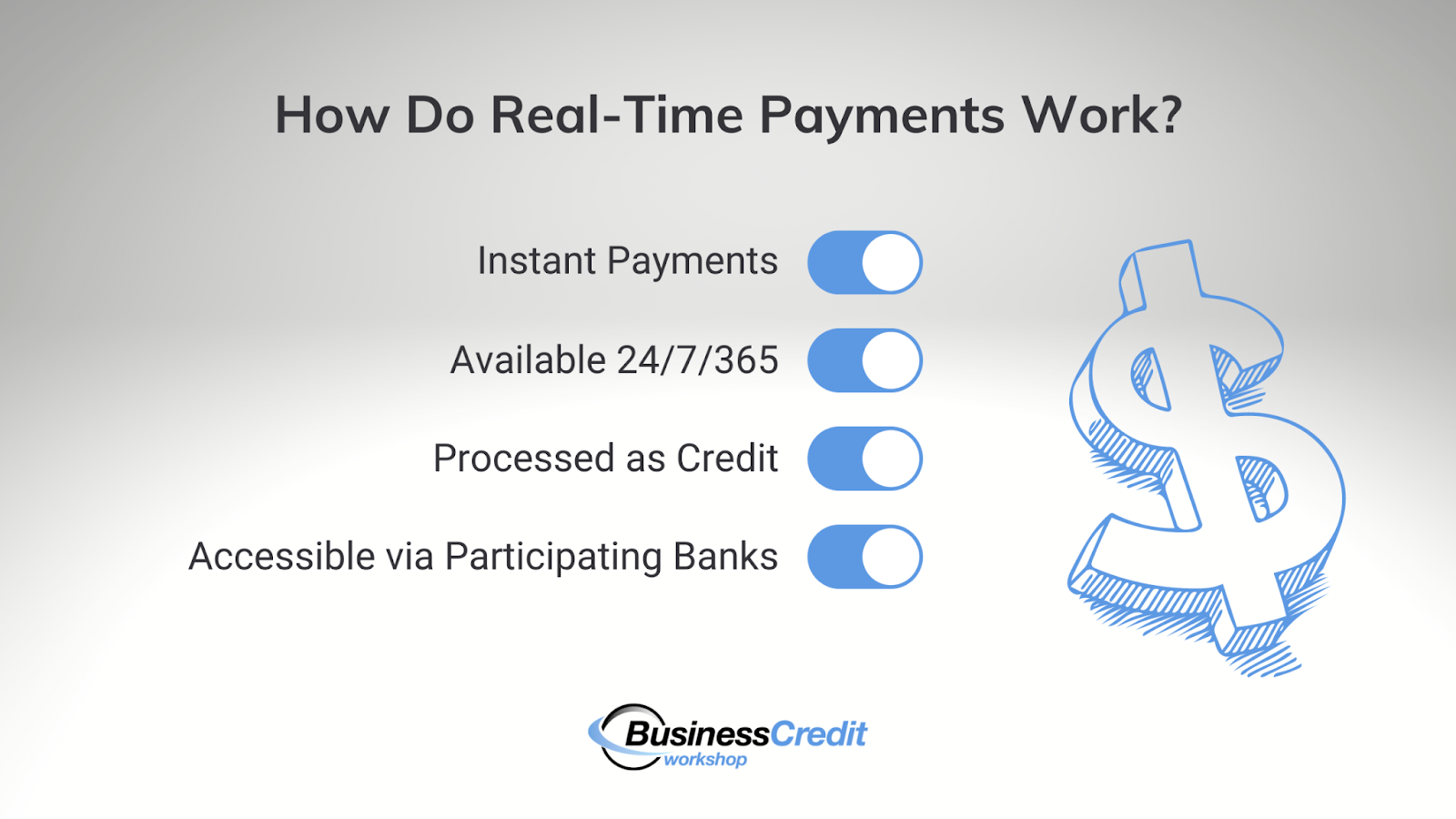
How does RTP payments work?

On the user end, RTP enables consumers and businesses to receive funds almost instantly through their banking platform. With RTP, the time between a payment request and settlement takes seconds. 

We’re not talking about ACH or same-day payments here — RTP is lightning-fast. 

As a business owner, this feature can give you instant access to cash flow, which changes the game entirely: no more waiting 24-72 hours or longer to receive your funds. 

Traditional payment communication is a one-way street in the way that transaction information is sent from the sender to the receiver. Now, RTP provides a gateway for two-way, inter-institution data (and funds) transfer in one transaction…instantly. 

This not only gives you “real-time” access to money, but helps enhance trust, improve cash flow, and increase your level of financial control.    

Real-Time Payments Features

There are a few standout features of RTP worth noting. 

→ Transactions are final — RTP transactions can’t be reversed. This can be a risk for the sender, so there are some use cases for which RTP isn’t a good fit (this isn’t to say that any billable goods or services can’t be refunded at the discretion of the receiver).  

→ Account numbers are protected — Secure Token Exchange via DDA tokenization now issues tokens that represent real account numbers when the RTP system sends or receives payments. So, there’s less risk of potential fraud within the system. 

→ Internal communication is an option — PDF and XML documents are newly-available assets within the RTP platform; users can now send bills, invoices, and remittances as part of real-time payment requests or follow-up messages. 

Where are Real-Time Payments Available? 
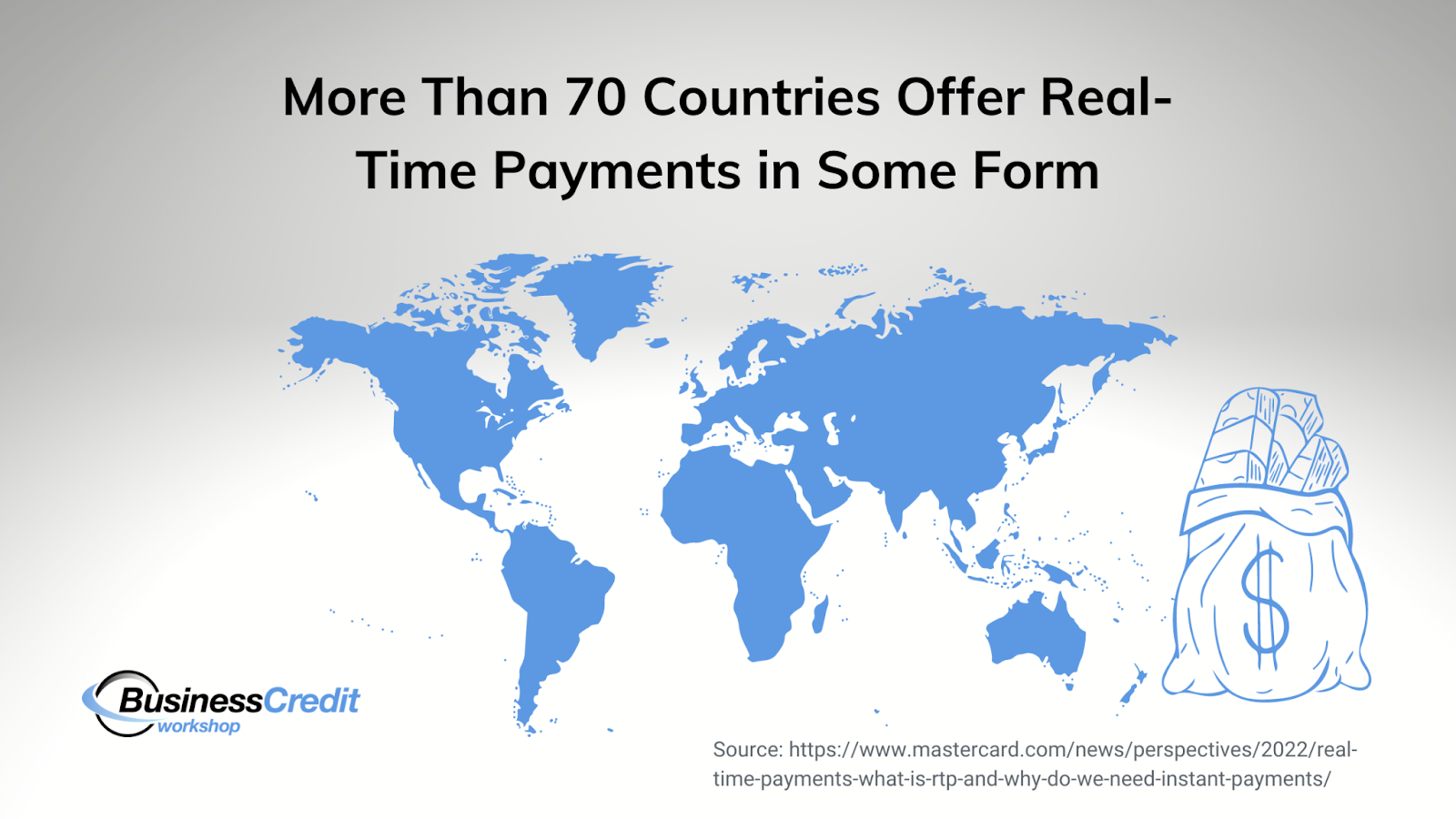
Real-Time Payments Countries

75% of banks in the United States with demand deposit accounts (DDAs) have access to the RTP network, and 60% of them are taking advantage of the offer currently (see which banks offer RTP below). TCH’s payment platform is currently only available within its own network, hence available only in the U.S. 

Keep in mind, however, TCH’s RTP is not the only real-time payments solution. In fact, there are several similar systems emerging worldwide. 

First, Zelle is a household name that offers instant payments between banks. Again, many business bank accounts aren’t Zelle-enabled, which can be frustrating. 

Next, the Federal Reserve is working on FedNow, a lightning-fast payment solution that will be available for select institutions soon. Note that the speed at which banks are signing on makes it appear that RTP’s reach might continue to surpass the Federal Reserve’s upcoming real-time payments system. 

Furthermore, according to ACI, India is the global leader in real-time payment options. So, there are comparable systems available globally — maybe 50 or so across the world, with varying capabilities. 

What is the Difference Between ACH and RTP? 
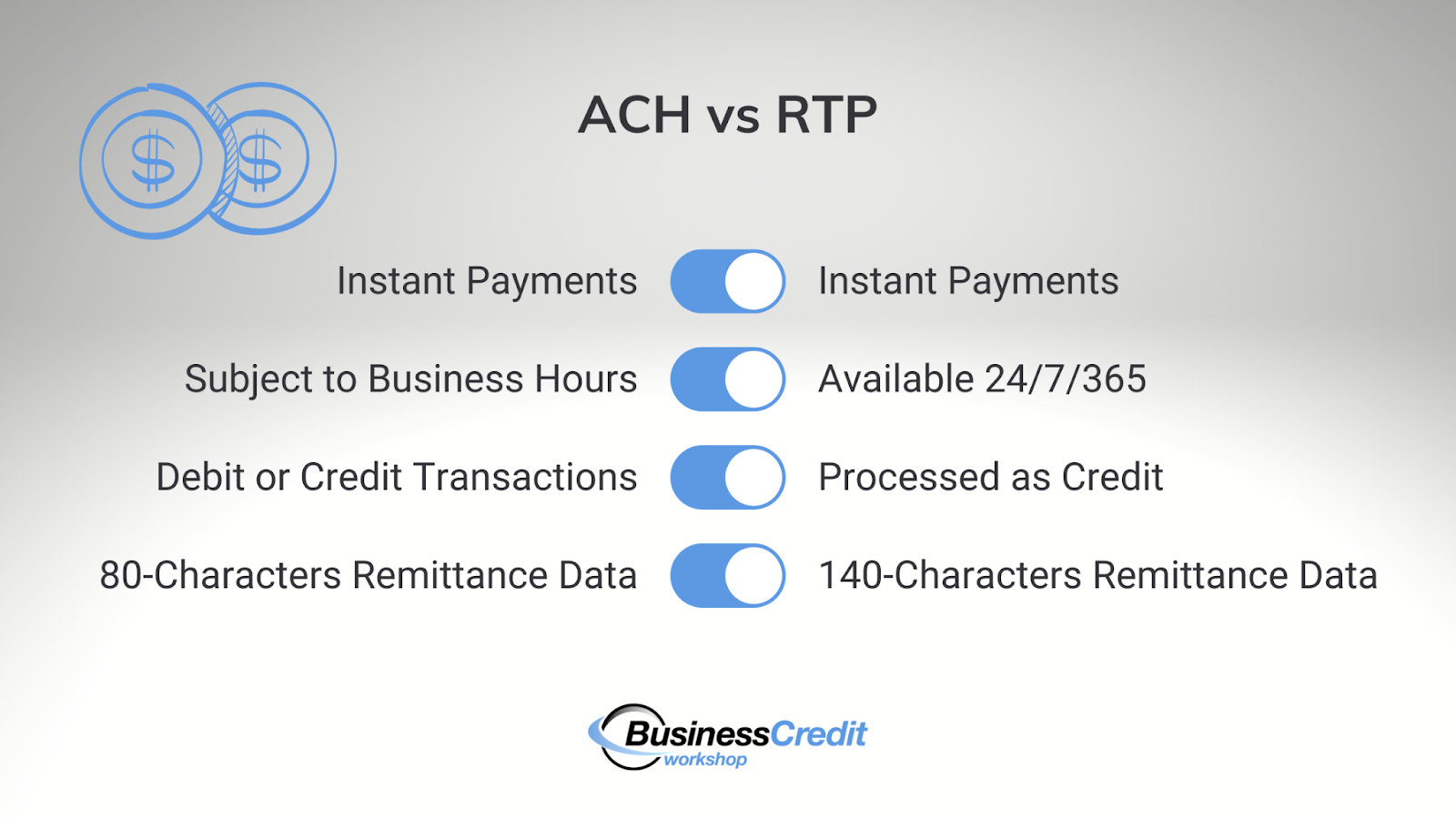
Real-Time Payments vs ACH

ACH and RTP are not one in the same. While both of these systems offer a way to complete a transaction quickly, that’s where the similarities end. 

≠ Between the two systems, there are differences in speed. 

ACH can take several hours or days, and that’s if the sender chooses “same-day ACH” at the time of the transaction. 

RTP, on the other hand, processes payments instantly; this means that the recipient receives the funds within a few seconds after they are sent. 

≠ RTP is “alwasy on.”

ACH payments are completed at the discretion of the institution. Hence, they’re subject to unavailability outside business hours, on weekends and holidays, and based on batch cutoff times. 

On the contrary, RTP payments can be made at any time — 24 hours a day, 7 days a week, 365 days of the year. Any time a payment is sent, it will be received right away. 

≠ The type of available payments vary with ACH and RTP. 

Debit and credit transactions can be processed via ACH. So, funds can be transferred via either type of process. 

With RTP, however, all transactions are processed as credit. Note that many merchants process all payments as credit — this doesn’t mean you can’t use a debit card to send real-time payments.  

≠ RTP enables institutions to send more remittance data. 

With ACH transactions, the remittance data sent with the payment is limited to 80 characters. Both institutions will have access to a very short amount of text to explain the transfer. 

And, with RTP transactions, up to 140 characters of remittance data is allowed. Institutions can share a bit more data about the funds being sent and received with RTP than with ACH. 

Which Banks Offer Real-Time Payments? 
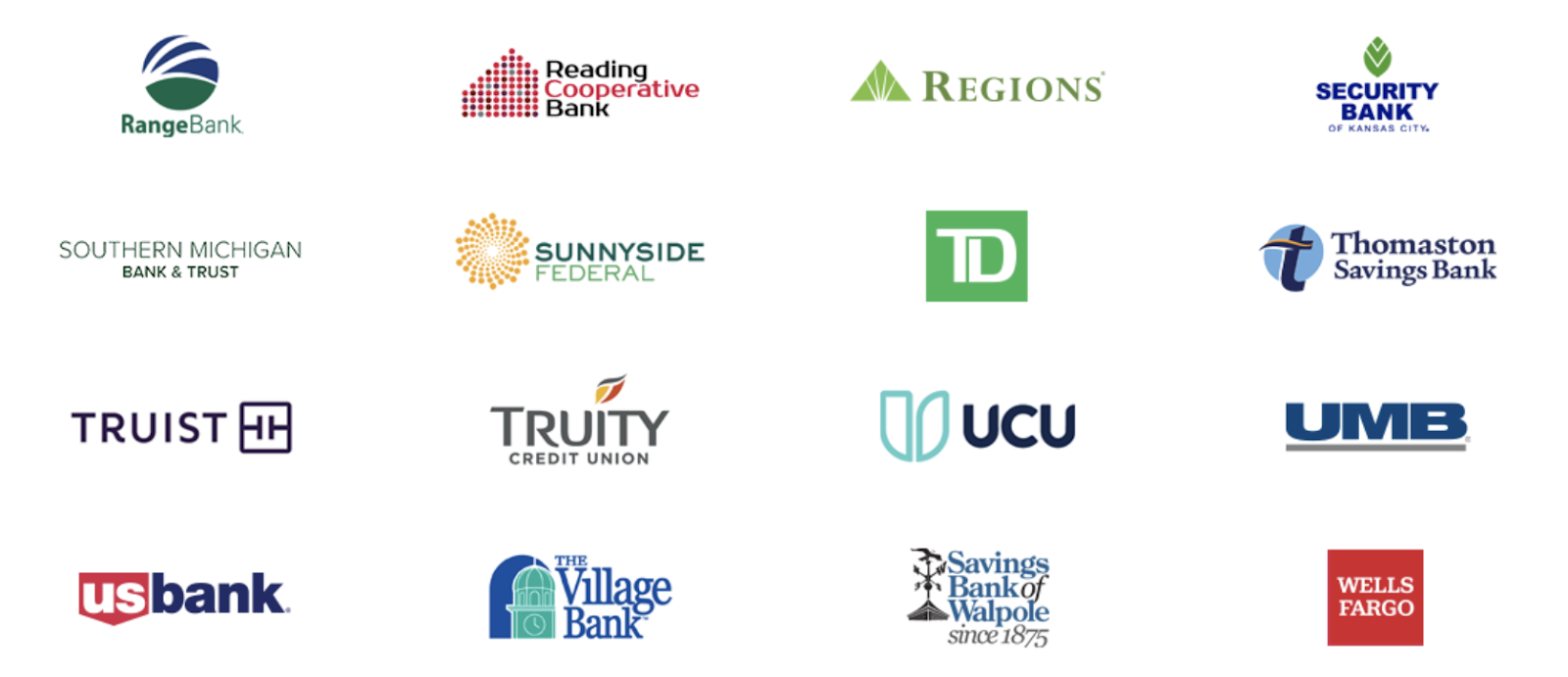
All of the federally-insured depository institutions are eligible to participate in RTP, and 285+ institutions currently take advantage of the system. Some names include big banks like Wells Fargo, US Bank, Bancorp, and BMO along with less-known companies like Regions, Bank of the West, and Security Financial. 

With this, I know at least one online “neobank,” NorthOne, takes part via their servicer, Bancorp Bank. There are countless smaller institutions and financial offers that partner with more established institutions to provide both consumer and business financial solutions. So, there’s no telling for sure how many accounts are RTP-enabled.     

With that said, these numbers are likely to grow, as the Real-Time Payments technology has only been around for about five years, and was recently launched. 

Do All Banks Accept RTP? 
Real-Time Payment received

We’ve just highlighted some of the banks that participate in RTP, which leaves us with another question: If your bank offers RTP, will the receiving bank be able to accept an instant payment, even if they’re not in the Real-Time Payments network? 

The short answer is “no.” As with Zelle and other real-time payment processing solutions, both institutions — the sender and the receiver — must have the system enabled for RTP transactions to be completed instantly.

When the receiving bank is not RTP-ready, and an RTP payment is sent, the recipient will get their funds within the next available ACH deposit window. 

Fortunately, a large percentage of banks in the U.S. are now RTP-enabled.  

Frequently Asked Questions

Is RTP a direct deposit?

Real-Time Payments are technically a type of credit transaction, not an ACH direct deposit. However, employers and others sending funds can use RTP in many of the same use cases as a direct deposit has traditionally been used. 

Do banks charge for RTP?

Banks are charged by The Clearinghouse (about 5 cents per transaction), so they may choose to charge account holders to take advantage of this service, yes. 

Will RTP replace ACH?

As more institutions sign up and get acquainted with the RTP system, it could replace ACH as a method to send funds, maybe. But, since RTP cannot be used to collect funds, it is not likely to replace ACH altogether. 

Is RTP cheaper than ACH?

RTP costs banks less than 5 cents per transaction, which might be less than the costs for processing ACH. However, fees are charged at the discretion of the institution and banks may charge more for their account holders to use RTP than they charge for ACH. 

Is RTP a wire transfer?

In a word, no. RTP is not a wire transfer — by definition, Real-Time Payments are credit transactions. 

Is Zelle Real-Time Payments?

Zelle offers a solution to process payments in real time. However, Zelle and the Clearinghouse’s RTP are separate systems. Just because an institution offers RTP does not mean that it offers Zelle and vice versa. 

Is Venmo an RTP?

Venmo is a peer-to-peer payment solution that offers instant access to cash, but it is not part of the Real-Time Payments network. 

Summary

Who needs Zelle when you’ve got Real-Time Payments? While the system is still in the early stages, RTP offers institutions and their account holders an opportunity to send payments that can be received instantly. 

Check with your institution to see if they’re part of the real-time payments network and find out how you can take advantage of the system to pay your employees, square up with suppliers, and take care of your bills. Are you a business owner interested in learning more about the best banks to work with, and ways to grow your company? You might be interested in learning how to obtain up to $100K in business credit in as few as 30 days. If so, join Business Credit Workshop today.
NorthOne Bank: A Comprehensive Look at the Pros & Cons

February 9, 2023 By Joe

NorthOne Bank Review

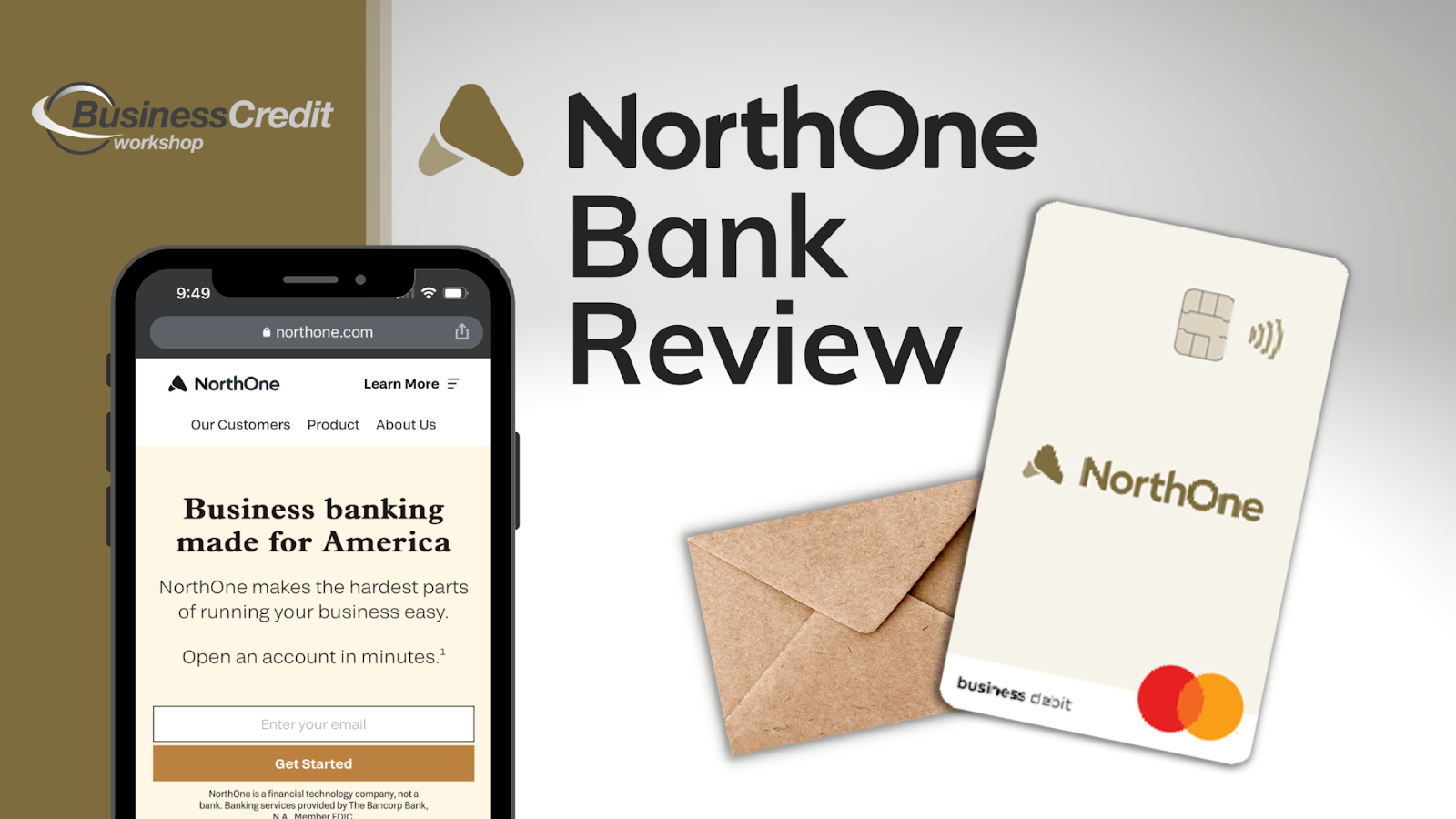
When I was writing recent overviews of Novo Bank and Bluevine offers, NorthOne Bank kept popping up. So, I did some poking and saw that this is an offer worth looking into. While they don’t offer free banking, their business accounts cost only $10 per month… sort of. So, let’s see what value you can truly get for the low price. 

Here’s everything I could dig up about the offer: 

  • NorthOne Company Overview
  • What is a NorthOne Business Account?
    • NorthOne Integrations
    • Money Movement
      • NorthOne Envelopes
      • New, Real-Time Payments Network
      • No Peer-to-Peer Mobile Payments
    • NorthOne Fees
    • Mastercard Small Business Debit Card
  • How Does NorthOne Stack Up Against Rivals?
  • Frequently Asked Questions
  • Final Takeaway

Now, let’s get the ball rolling! 

NorthOne Company Overview

Most people looking for info on NorthOne want to know if the offer is legit, among other things. I’ll share what I know and you can decide for yourself. 

NorthOne is a New York-based, for-profit company, founded in 2016 by Eytan Bensoussan and Justin Adler. The company has received $90.3 million in equity funding since its launch seven years ago — serious investors believe in the offer. 

Prior to co-founding NorthOne, Bensoussan graduated from McGill University and served in various positions with companies like McKinsey & Company, Ferst Capital Partners, and the Forbes Finance Council. At that time, Adler was studying Psychology at Concordia, then held various marketing positions with Frank And Oak, Keeward, and SourceKnowledge. 

NorthOne is a finance technology (fintech) company, not a bank. 

The team has a strong combined background that would traditionally make for a long-term, successful business relationship. From this, I’d say they look legitimate and trustworthy. What do you think? 

You might also like: What’s the Best Payment Processor for a Small Business? Really

What is a NorthOne Business Account? 

Like Bluevine and Novo, NorthOne is a “neobank.” Neobanks are usually serviced through established FDIC-insured institutions. In this case, the servicer is Bancorp Bank, which enables NorthOne to offer real-time payments, available as of a few weeks ago. This means that your business will have the ability to accept payments and receive funds instantly if you open an account. 

NorthOne’s fee-free accounts give small business owners the opportunity to apply for and open an account in minutes, without the need to ever walk into a branch. They enable digital banking tools, send payments, deposit and withdraw, and automate budgeting. 

Like Novo Bank, NorthOne is built with a profit-first-friendly framework. They provide a simple, business debit card for spending, accepting payments, and ATM access. 

Recommended: Novo Bank Review: First-Rate Small Business Banking or Scam? 

NorthOne Integrations

NorthOne Bank Login

You can connect your NorthOne account to the financial tools you already use (if you’re using compatible products.  

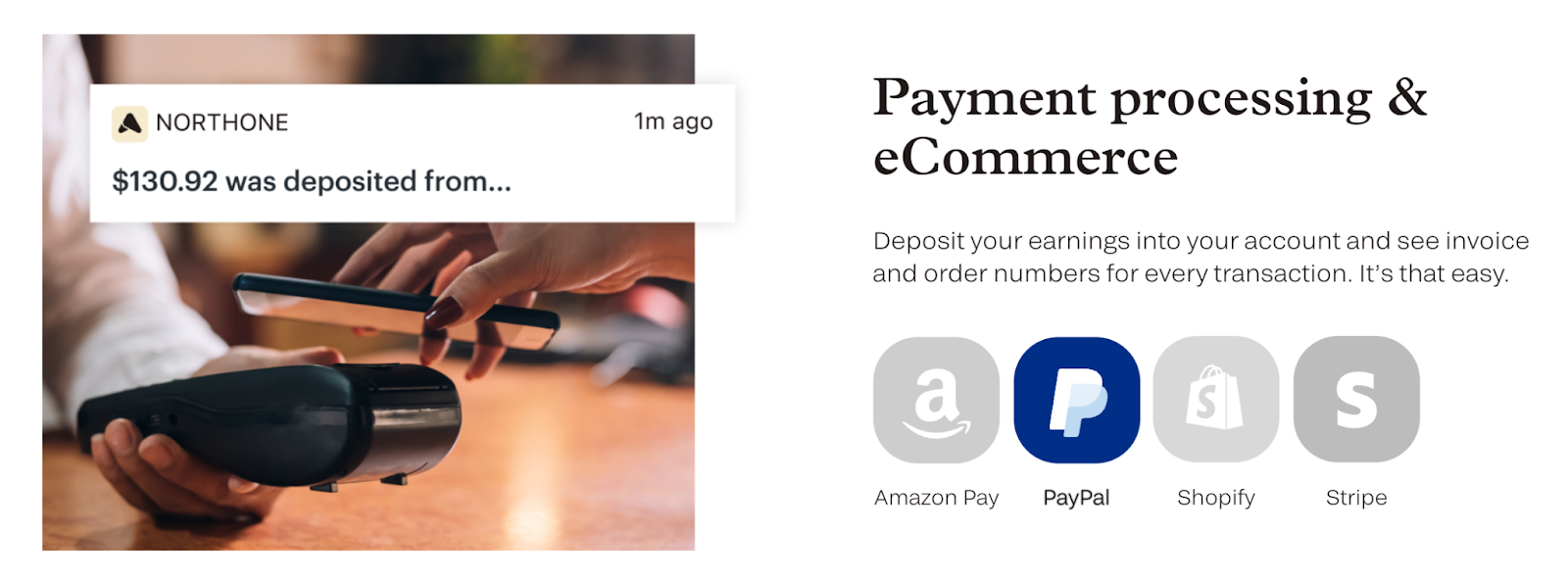
And, NorthOne connects easily to top accounting software like Expensify, Quickbooks, and Wave. And, accounts integrate with payment processors like Amazon Pay, PayPal, Shopify, and Stripe. While NorthOne doesn’t offer business credit options, using a NorthOne account in tandem with these payment processors could help you become eligible for a capital loan through one of the other companies. 

Recommended: Could a Stripe Capital Loan Get Your Business Through a Rough Patch? 

Money Movement

Essentially, NorthOne accounts give your business a simple way to deposit, withdraw, pay, and get paid.

NorthOne enables cash deposits — not all online bank accounts do. With NorthOne, you can deposit cash through the GreenDot™ network, but there are some limitations. 

  • Daily limit:  4 loads max, for a total of $1,500.00 per day
  • Weekly limit: 7 loads max, for a total of $3,500.00 per week
  • Monthly limit: 20 loads max, for a total of $5,000.00 per month 

Note: GreenDot locations may elect to impose smaller caps on cash transfers, so check your local ATMs and locations for more details.

Remember when I said that NorthOne supports profit-first? Let’s explore how that works. 

NorthOne Envelopes

NorthOne Bank Budgeting Envelopes

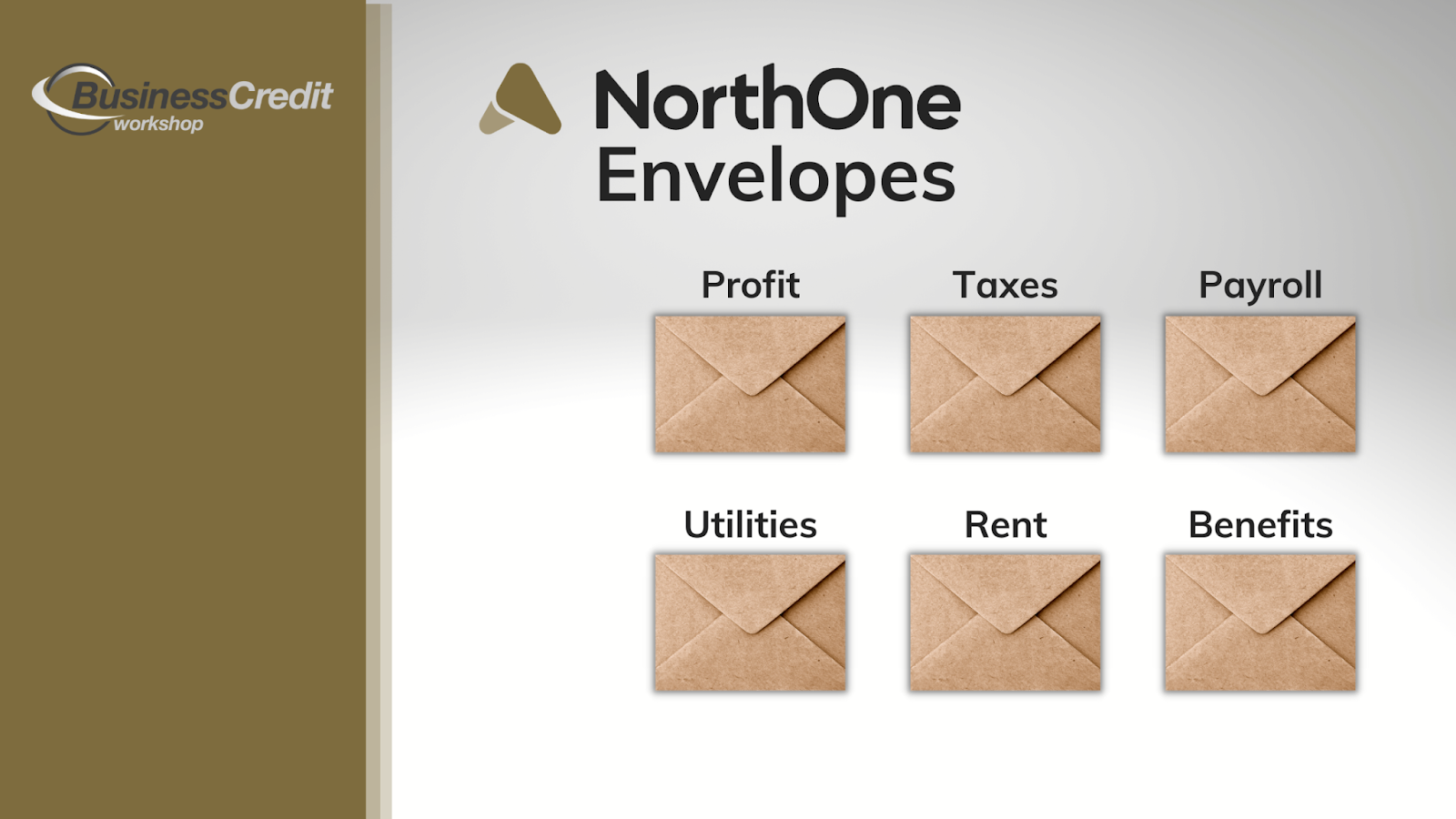
NorthOne accounts have built-in “envelopes” that enable you to designate portions of your balance for specific, designated purposes. These envelopes are accessed on the mobile app or web app, to help you keep your money organized. You can set your account to send a set amount of money, either by amount or percentage, to each envelope from daily transactions. 

This feature helps companies get a clear picture of where they’re spending, save, practice discipline, and avoid spending money they don’t have. 

New, Real-Time Payments Network

Furthermore, just this year, NorthOne, along with Bancorp, joined the Clearinghouse’s new Real-Time Payments Network; this means that account holders are now at a competitive advantage with the ability to accept payments and receive funds instantly. 

It sounds like a wire transfer-type situation because you have to give the sender your NorthOne routing and account numbers, but you will get the payment in seconds after they send it. Obviously, this is not a feature that you will be able to leverage with all of your customers because you shouldn’t share sensitive data with just anyone. 

Note: the ability to send Real-Time Payments with a NorthOne account is coming soon, according to a customer service rep I spoke with. 

No Peer-to-Peer Mobile Payments

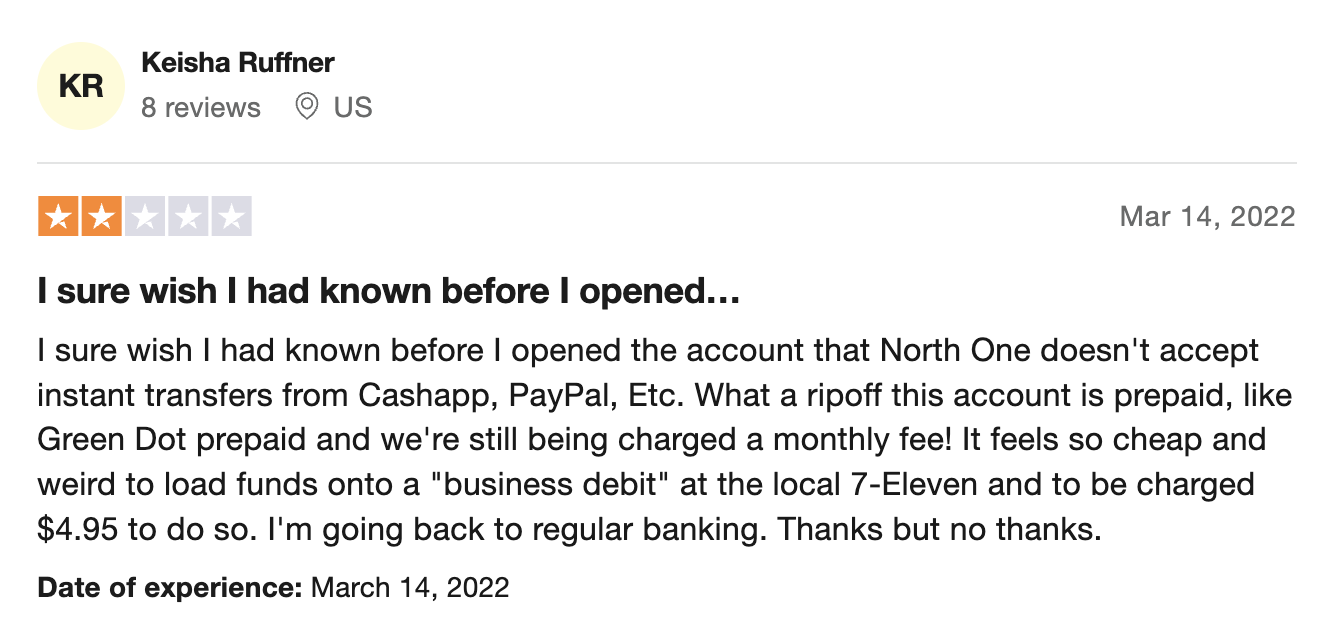
On the other hand, if you need to process through Zelle, CashApp, or Venmo, the offer might not seem so cutting-edge. These types of instant transfer services are treated like ACH transactions, and take 1-3 days to process. This leaves some uninformed account holders with a bad taste in their mouth. 

NorthOne Reviews

Currently, NorthOne does NOT have a Zelle integration to receive payments. They are working on adding a Zelle integration to their accounts, so keep checking back and follow the news for updates — they don’t have an expected date when this might happen. 

With that said, you can use Cash App, Venmo, and the Real-Time Payments Network to receive funds quickly. 

NorthOne Fees

As with most banks (though, not all neobank accounts) There are fees imposed with the offer. 

  • Monthly account fee: $10
  • Domestic wire fee: $15
  • Expedited card mailing: $25
  • Same-day ACH fee: $5
  • Digital check fee: $4 per check

And, NorthOne provides a virtual card, with a different 16-digit number than the physical card, that you can use while you wait for your debit card to arrive in the mail. You may only have one virtual card. 

Mastercard Small Business Debit Card

NorthOne Bank Business Credit Card

NorthOne issues Mastercard Small Business debit cards that can be used anywhere Mastercard is accepted. 

First of all, Mastercard is accepted at millions of merchants, suppliers, and utility companies worldwide. So, you won’t need to worry about where you will be able to use your card. Plus, Mastercard offers quite a myriad of benefits, even for basic debit cards. 

All MasterCards come with zero-liability protection so you won’t pay for misuse or unauthorized purchases on your card. And, you can take advantage of free identity theft protection. If you opt-in, the system will monitor your credit and alert you to suspicious activity. 

Mastercard’s Global Service provides 24/7 assistance for lost or stolen card reporting, emergency card replacement, and help finding an ATM if you need it. 

None of this is beyond the norm for a business debit card, but it should bring you peace of mind, especially if you’re signing up with a neobank for the first time. 

How Does NorthOne Stack Up Against Rivals? 

I previously mentioned NorthOne’s top competitors, Novo and Bluevine. Let’s see how they contend next to one another. 

Northone Competitors

NorthOne is the only bank of the three that charges a monthly fee. And, you can use a third-party app to send invoices from a NorthOne or Bluevine account, but this feature is built-in with Novo accounts. 

None of these banks charge ATM fees themselves. With Novo, all third-party ATM fees will be reimbursed each month — NorthOne and Bluevine don’t currently offer reimbursement.  Bluevine is the only account that enables you to earn interest on your business checking funds. 

While NorthOne and Bluevine enable cash deposits, If you want to deposit cash into a Novo account, you’ll need to get a money order and then upload it through the app (not super convenient). And Bluevine is the only bank of the three that currently has a business credit offer, though NorthOne has stated that they plan to offer one in the future. 

Recommended: Bluevine Review: Free, High Yield Small Business Checking! Are They Serious? 

Frequently Asked Questions

Is NorthOne a real bank?

Yes and no; NorthOne is a real fintech company, also known as a “neobank,” and NorthOne accounts are serviced through Bancorp, an established, FDIC-insured bank.  

Is NorthOne FDIC-insured?

Yes, NorthOne accounts are FDIC-insured via their servicer, Bancorp Bank. 

Can you use Zelle with NorthOne?

As of today, NorthOne does not have a Zelle integration. However, according to one company representative, they are working on creating one. To receive funds, you can use Cash App, Venmo, or the Real-Time Payments Network. 

Does NorthOne bank have checks?

At this time, NorthOne only allows account holders to send checks. The recipient would receive the check within 3-9 days, and the service costs $4.  

Does NorthOne report to credit bureaus?

NorthOne doesn’t offer any credit products for individuals or businesses, so there is no need for them to report to credit bureaus. And, opening an account does not affect your credit score in any way. 

id=”conclusion”Final Takeaway

NorthOne has an interesting offer, for sure. In particular, the Real-Time Payments Network seems to be a leading-edge technology. However, if real-time payments aren’t a feature you need, Bluevine seems to have a more robust offer, as of today. 

With that said, I typically recommend small business owners bank with local community banks and credit unions for optimal access to substantial business credit lines. 

If you want to learn how to obtain up to $100K in business credit in as few as 30 days, join Business Credit Workshop today.
Gusto Review: Let’s Really Evaluate This Famed Payroll Platform

February 2, 2023 By Joe

Gusto Review

Gusto is the payroll platform we use at Business Credit Workshop, and we like it. I recommend you check it out, as long as it meets your needs. I want to explain why I chose them instead of the competition and raise every objection I can think of in this comprehensive Gusto review. 

First of all, Gusto is super easy to use, and the platform calculates payroll taxes for you, making it so much simpler to pay employees and contractors. Plus, I didn’t have to talk with a sales rep to get started (don’t you just hate that?). 

Now, let’s talk about Gusto’s pricing, features, and other details. 

Here’s what we’ll cover:  

  • Briefly, What is Gusto?
    • Gusto Pricing Breakdown
    • Gusto Company Overview
  • Gusto Payroll Platform
    • Gusto Wallet
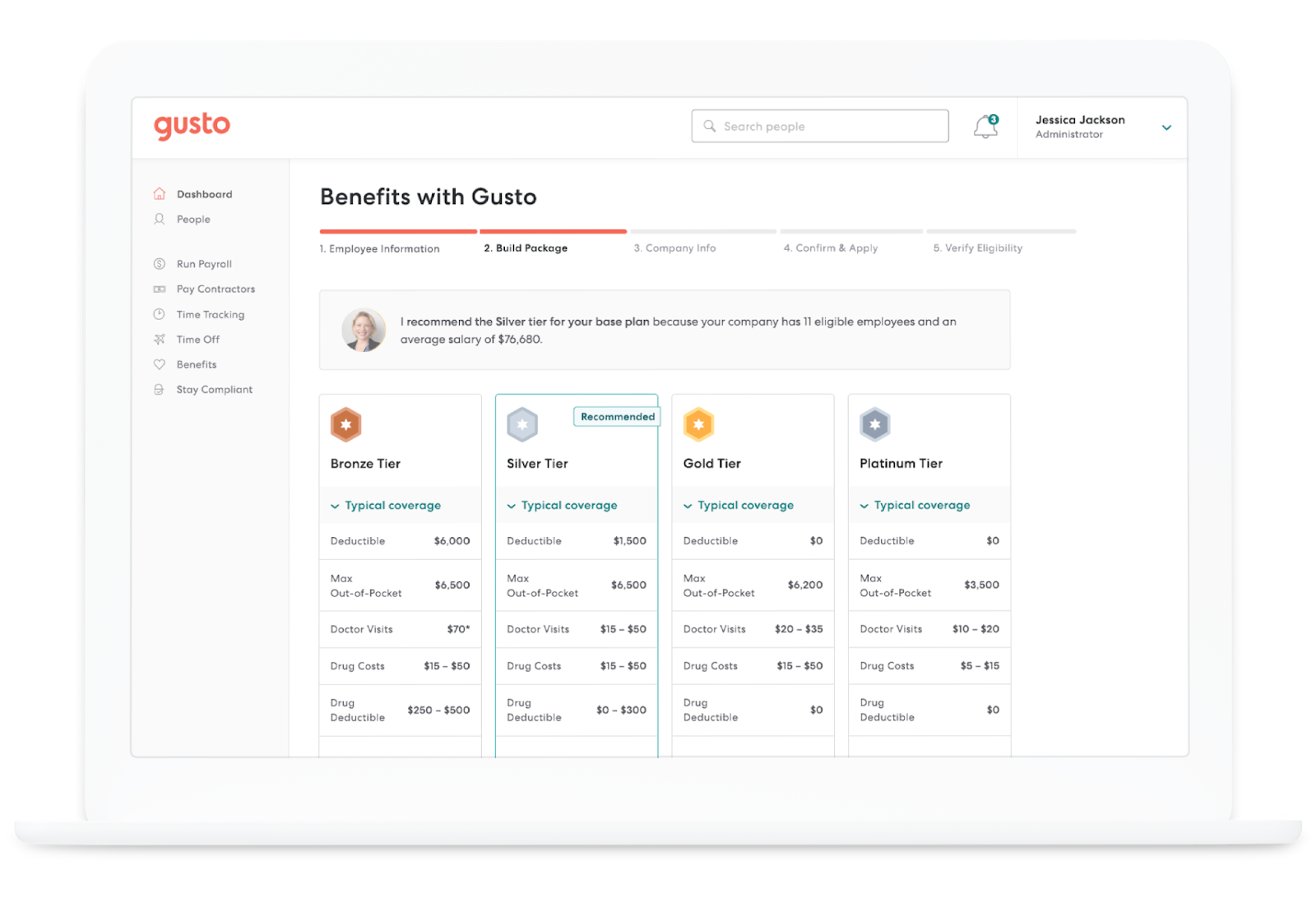
  • Gusto Benefits Summary
  • Gusto HR Features
    • Dedicated HR Support
    • Customer Service
  • Gusto Alternatives
  • Frequently Asked Questions
  • Final Thoughts

Now, let’s begin! 

Briefly, What is Gusto? 

Gusto login

In essence, Gusto is a payroll, benefits, and hiring platform for businesses. It enables you to pay your team quickly, easily, and automatically no matter where they are. The software is designed for all-sized teams, both in-person and remote. 

While I usually talk about features before I get into pricing, the most common question I hear is “How much does Gusto cost, so let’s address this first. 

Gusto Pricing Breakdown

Gusto has four pricing tiers, designed for affordability based on varying operational needs, and plans range from $35 to $60+ per month plus $6 to $9 per person: 

  1. Contractor-only – Payroll only for $35 plus $6 per person per month with $0 monthly for 6 months
  2. Simple – Automatic payroll features and benefits integration for $40 plus $6 per person per month
  3. Plus – Comprehensive payroll, benefits, and HR for $60 plus $9 per person per month
  4. Premium – Scalable payroll, benefits, HR, and dedicated support with pricing based on your needs

The ‘Contractor-only’ plan is built for companies that only work with contractors, and have no active W2 employees. ‘Simple’ is best for those who want to integrate payroll with a benefits plan for employees. ‘Plus’ is designed for those who are actively hiring and could benefit from the HR tools in addition to benefits and payroll. And, the ‘Premium’ tier is for those who need dedicated HR support for hiring at scale.  

Gusto Company Overview

Here’s the million-dollar question: Is Gusto a legit company, or is it just a trending brand destined to fade in relevance? I can’t say for sure, but I can tell you everything I know, and share my insights.

So, who is Gusto? 

Gusto, aka ZenPayroll Inc, is a San Fransisco-based company that was founded in 2011 by Edward Kim, Joshua Reeves, and Tomer London. The company is considered a business “unicorn” and has received $746.1 million in funding since its launch. 

Prior to working on the Gusto project, Edward Kim helped launch a photo-sharing app for families called PicWing. It seems like the project may have originally been a Y Combinator startup, but it’s currently inactive. Picwing was launched after Kim left his position as a Senior Project Engineer for Volkswagen.  

Recommended: Y Combinator: Fast Track to Success or Waste of Time? 

Joshua Reeves is currently the Head of Gusto, and it appears that he started the project directly out of college. He has a bachelor’s degree in Electrical Engineering from Stanford University. 

Gusto’s Chief Product Officer, Tomer London, was also in Stanford’s Electrical Engineering program, and was a Ph.D. candidate. London worked for Intel and Bump for a while. Then, prior to Gusto, co-founded a company called Vizmo, a software development company based in Israel. 

All of Gusto’s co-founders have strong technical backgrounds, and the company has been going strong for over a decade. My opinion is that they’re likely to be around for the long haul (yes, they’re legitimate). 

Gusto Payroll Platform

Gusto pros and cons

First of all, the Gusto Payroll platform calculates and files payroll taxes for you, streamlining the process. Unlimited checks can be distributed to team members. Other platforms charge for this service, but with Gusto taxes are inbuilt. 

They also offer time-tracking with plus plans. So, your employees can track hours from the same platform you use to pay them if you elect to use this feature. 

Gusto plays nicely with Xero, Clover, Quickbooks, TSheets, Trainual, 7Shifts, and more. So, you can integrate the other tools and apps you use to manage financial accounts; operations are much easier when you can manage multiple tasks from a unified dashboard and automate information sharing. 

In the platform, you can store 1-9s, W-2s, and 1099s, register for state taxes in all 50 states, and track time including lunches and breaks. When onboarding, Gusto ensures that The system will even auto-file your payroll taxes for you, so compliance is a breeze. 

If employees want to request time off, they can do so easily through Gusto Wallet. 

And, guess what?… 

Later, if employees leave your company, they can opt to keep their cash accounts, and have their next employer direct deposit into an FDIC-insured Gusto account like they would a regular bank account. This feature might be an enticing incentive for some. 

On the other hand, if you’re looking to optimize retention, you may not want to mention it. Decide for yourself on this one. 

Gusto Wallet

gusto app

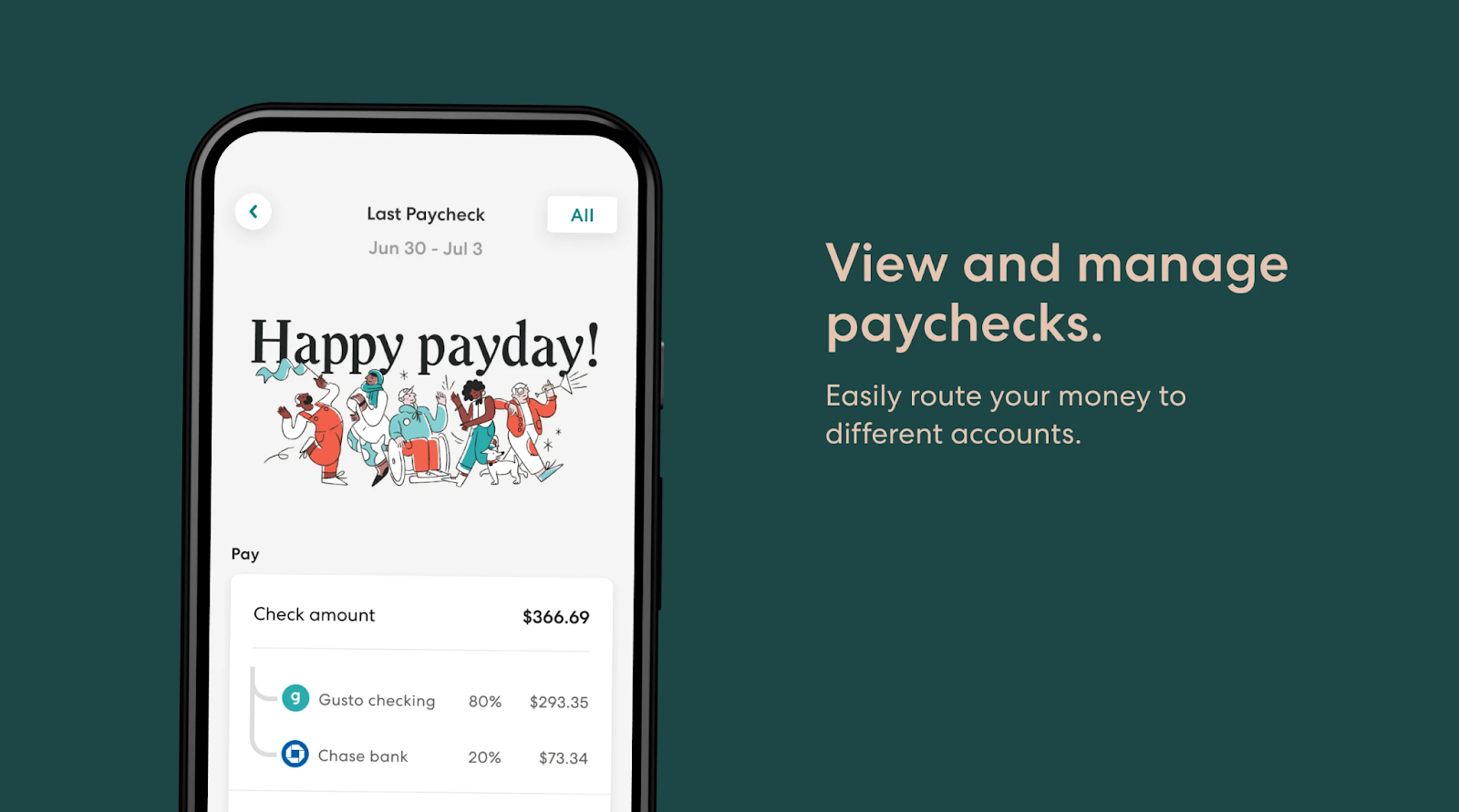
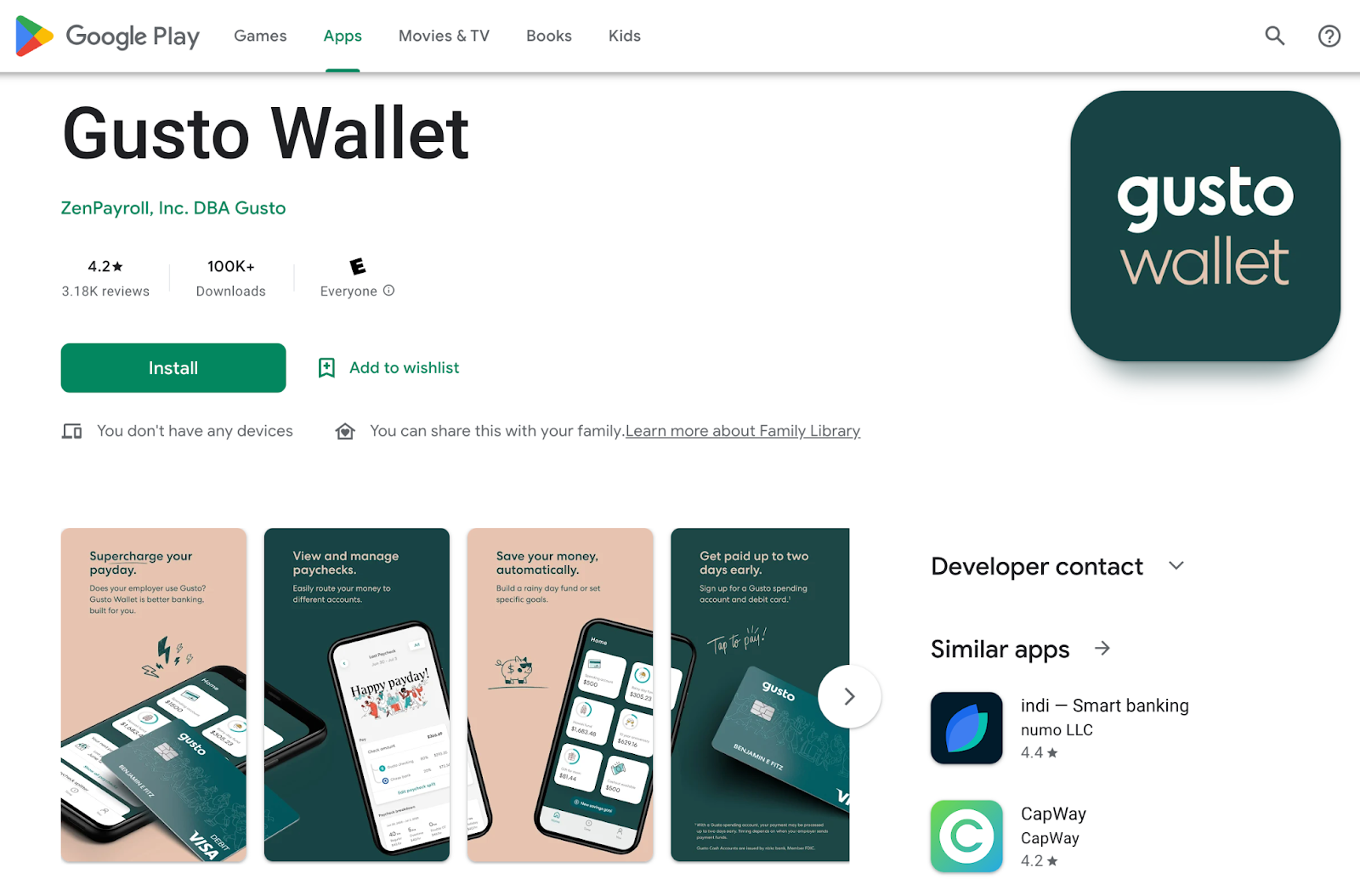
Gusto Wallet is a mobile app, available for iOS and Android, that teams can download to view and cash their paychecks, access their spending account, and manage and automate up to five savings goals. 

Savings accounts earn 1% APY with no account or overdraft fees. Staff members have the ability to alter their contribution to savings goals at any time, and can transfer to spending accounts instantly.

Wallet spending accounts come with a Visa debit card with free withdrawals at 37K ATMs across the country and direct deposit. They also enable budgeting for necessities like housing, food, and transportation. 

With the app, users can track their time, view and download paychecks and W2s, see transaction history, and split checks. Gusto Wallet is only available for first-time access if the employer uses the platform. 

Gusto Benefits Summary

How is Gusto different from ADP?

Gusto Benefits is the platform’s built-in way for you to offer affordable employee benefits. Here’s what it entails. 

  • Integrate your existing broker and eligible health plans
  • Manage employee health insurance plans
  • Access 9K+ available health insurance plans from 30+ carriers
  • Low-cost worker’s comp management, HSAs, and FSAs
  • Administer dental, vision, and commuter benefits
  • Handle renewals during open enrollment periods 

Essentially, you can sync your health benefits packages with your payroll framework using Gusto in a straightforward and easy-to-navigate dashboard. 

Plus, you can offer your staff multiple ways to save. Through their Gusto Wallet, employees can access cash accounts with all sorts of features. In addition, you can offer them the opportunity to add funds to 401(k) retirement, life & disability insurance, and 529 college savings plans. 

Gusto HR Features

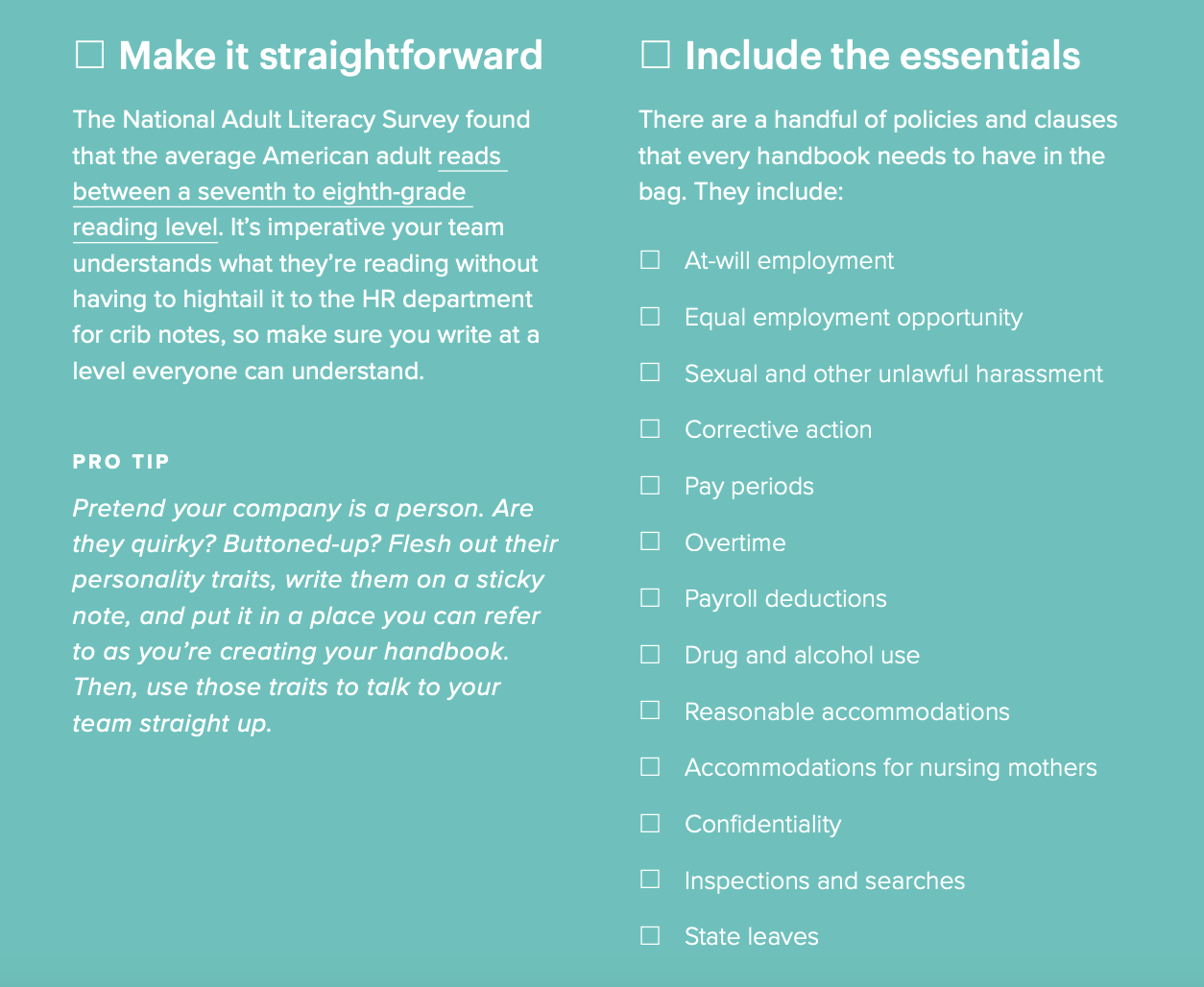
All Gusto plans include access to hundreds of HR templates to help you onboard new staff. Get pre-written job descriptions & offer letters, termination requirements, labor law policies, and performance evaluations. And, you can take advantage of the Employee Handbook Builder. 

Gusto HR tools

If you’re interested in sampling the goods, Gusto shares a free guide, How to Create an Employee Handbook, with the public. 

Dedicated HR Support

If you have a premium Gusto plan or opt for the HR add-on with a Plus plan, you can access dedicated HR experts to help with your hiring and compliance. This grants you access to unlimited advice from SHRM and HRCI-certified experts to help you avoid costly lawsuits down the road. 

Here’s why this is a value-packed offer: 

  1. The starting ACA penalty per employee is $2,750. 
  2. For your first violation of the Americans with Disabilities Act, you can be fined up to $75K. 
  3. The average cost of an employee lawsuit is $160K.

Personal advice from experts mitigates your chances of running into inadvertent legal violations and protects your business. 

Customer Service

Gusto has two customer care teams, one for current users, and one dedicated to helping business owners get started (sales). You can reach out via the live chat on Gusto.com, or call 855-384-0612 during business hours (MST). 

When you first sign up, the sales team is fantastic.   

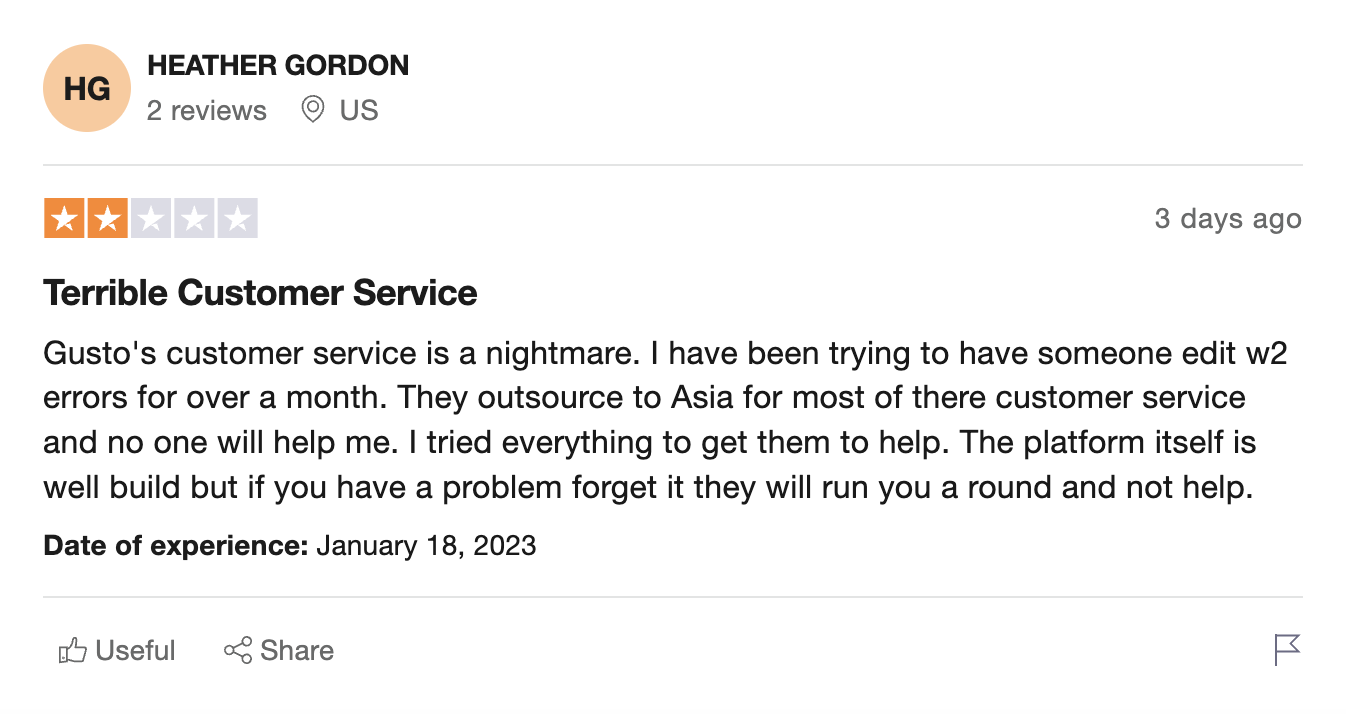
With that said, several account holders are unsatisfied with the user-facing customer service team, citing that it’s very difficult or takes a long time to get errors corrected. 

Gusto customer service

Not to downplay this concern, but the Gusto platform itself has a very user-friendly interface with a helpful set of robust features that might offset this drawback. I haven’t run into this problem myself, but I have no reason to discredit the anecdotes from other users. 

Gusto Alternatives

It wouldn’t be fair to tout on about the Gusto platform without at least letting you know that there are a ton of other options out there (you should always do your due diligence). 

So, who are Gusto’s competitors? Here are the three most popular: 

  • ADP – Pricing unknown
  • Paychex – Pricing unknown
  • Rippling – Starts at $8 per month per user
  • BambooHR – HR-only, pricing unknown

As far as I can tell, each of the above competitors requires that you work with a rep to get an account set up while Gusto enables you to sign up on your own. Rippling is the only one of the three that is upfront with their pricing. 

Definitely explore other offers (there are many) and make sure you choose a platform that meets all of your needs… before you invest your energy into onboarding everyone into a new system. 

Frequently Asked Questions

Does Gusto report to the IRS?

Yes. Gusto doesn’t file your taxes for you, but they provide a full-service package that includes paying payroll taxes automatically. 

Does Gusto send out W-2s?

If applicable, once per season, Gusto can send out W-2s and W-2Cs to your employees for $3 per person plus mailing fees. The costs are added to your monthly invoices.   

Does Gusto pay your payroll taxes for you?

Gusto does not foot the bill for your business taxes, but, yeah, they will automatically do the math and make accurate tax payments (debited from your account) on your behalf. 

How long do Gusto payments take?

When you begin running payroll through Gusto, your employees will be put on 2-day payment terms. So, they will be able to access their funds within a couple of days of when they are disbursed. 

Final Thoughts

I use Gusto to pay my staff and like it (a lot), mostly because it’s super easy to use and they calculate the taxes for you. Here’s a summary of the offer:

  • Sign up without a phone call with a sales rep or “scheduling a demo” 
  • Get your team fully onboarded in about two weeks 
  • Save an average of 5 hours per month on payroll and HR
  • Take advantage of an extremely user-friendly platform 
  • Integrate your payroll, benefits, and HR dashboards with your financial tools. 

Last time I checked, many moons ago, ADP needed you to talk to a salesperson to get signed up. As far as I know, this is still the case (the folks at ADP aren’t even transparent about their pricing). I like to do things quietly and online with the option to chat or call in when needed. I get all of this with Gusto. 

Some business owners have been unsatisfied with the amount of time it takes the Gusto team to correct mistakes, but I haven’t encountered this issue. There is no mobile app for payroll management, only an app for employees. And, the platform may not be best-suited for businesses with overseas staff, since they don’t offer global payroll.  

If Gusto sounds like a system you’d be into, then I encourage you to check them out — Signing up might save you time and money on payroll and hiring. Are you interested in learning how to obtain up to $100K in business credit in as few as 30 days? If so, join Business Credit Workshop today.
Novo Bank Review: First-Rate Small Business Banking or Scam?

January 26, 2023 By Joe

Novo Bank Review

Novo Bank is touted, by some, for having one of the best bank accounts for small businesses, while others say it’s a scam — that it isn’t really a legit bank. So, which group is right? Let’s investigate through this comprehensive Novo Bank review! 

In this post, I cover the details of Novo’s offer in full. After that, I answer some FAQs, then give you my final verdict on whether this is a “scam” or not. 

Here’s what’s in store: 

  • Novo Bank Company Overview
    • Novo’s Customer Service
  • Novo Business Banking Overview
    • Business Checking Account Features
      • What is Profit-First Accounting?
      • What is Novo Reserves?
    • Novo Software Integrations
    • Novo Boost Summary
    • Accountholder Perks
    • Business Formation Tools
  • Frequently Asked Questions
  • The Verdict: Is Novo a Legit Bank

Now, let’s go!

Novo Bank Company Overview

Novo Platform Inc (Novo Bank’s parent company) was founded in 2016, by Michael Rangel and Tyler Mcintyre. The company’s home base is in the Miami, Florida area. Since the company’s launch, it’s received $170.5 million in equity funding and is considered an “emerging unicorn” in the financial space. 

Prior to starting Novo, Rangel was the Lead Trade Administrator at Fairholme Capital Management, where he worked for half a decade. While I couldn’t find much about Mcintyre’s career history, he is an accredited ACH and Payments Risk Professional who attended the University of Miami and Wharton School where he studied Entrepreneurship, Business Administration, and Management.   

While the founding duo doesn’t have the strongest financial backgrounds, as far as bank founders are concerned, their history seems like a good fit for an offer like this. I see no glaring issues that would make the company seem untrustworthy. 

Novo Bank is partnered with Middlesex Federal Savings, an FDIC-insured bank to offer small business checking. 

Novo’s Customer Service

Before you sign up for a business checking account, you need to know if you’re going to be able to speak with someone to resolve any future issues that may arise — it’s unlikely that you would have no problems with any checking offer. 

At Novo Bank, the customer service team works Monday through Friday, from 8 am to 7 pm Eastern Standard Time. These hours are beyond traditional 9 to 5, Monday through Friday banking hours. Some banks do offer 24/7 support, and there are offers everywhere in between. So, you should be able to get in touch with a real person — via email or through the app, anyway — during business hours on weekdays. 

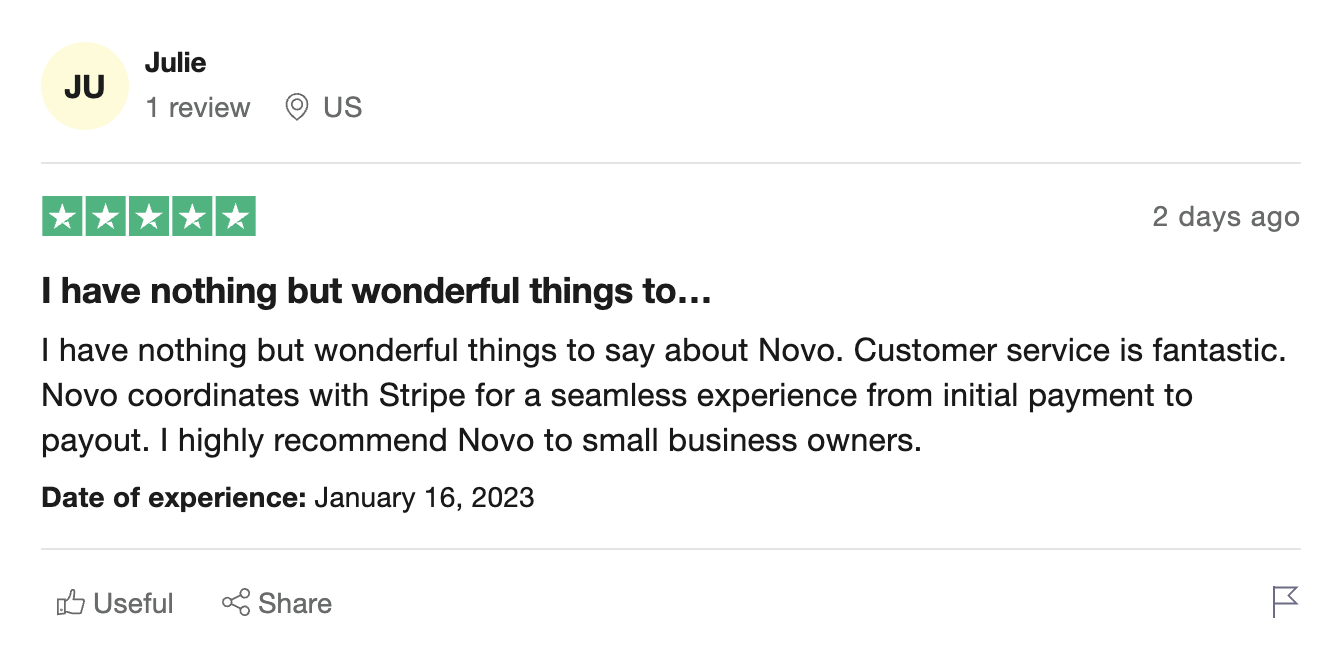
Novo currently has a cumulative 4-Star rating on Trustpilot, with lots of 5-star reviews, which are mostly pretty “general,” yet enthusiastic. For example, see Julie’s review below. She claims she hasn’t had a single issue with her Novo account and boasts about her satisfaction with the Stripe integration.  

novo Bank reviews bbb

On the same day as Julie’s cheerful comments, however, another user, Paystub Hero, had nothing nice to say. Several 1-star Trustpilot reviews such as this one serve as a sort of public service announcement warning others against Novo. A common complaint is that customer service is sorely lacking. 

novo bank problems

Now, Novo does not currently publish a phone number on their website, which is at least a yellow flag. Today, you can only reach out to Novo by emailing support@novo.co or through the Novo app. 

While I can’t speak for every user’s experience, I did reach out to Novo via email asking for more information about their offer, and they replied within about 15 minutes. I didn’t see any signs that the response was written by a bot. So, this may be a case where you have to take every review you read with a grain of salt. 

Novo Business Banking Overview

For the amount of hype that Novo generates as an innovative banking solution, I was surprised to find that they currently offer no savings or interest-bearing accounts, no cash deposits, no chatbot or phone number, and no business financing. 

Novo does not offer loans or credit lines and instead recommends SBA’s Lender Match program. If you go this route for funding, you can get matched by the U.S. Small Business Administration with approved lenders that might be able to help you get any financing you might need. Note that these are typically traditional term loans for small businesses or the individuals who own them. 

With that said, according to one rep, Novo does plan to offer lending in the future. So, if a lack of lending offers is what’s keeping you from banking with the brand, you might want to check back in on Novo’s website periodically to check for future offers. 

Having said that, Novo does offer some interesting benefits, which I outline below.  

Business Checking Account Features

Applying for an account with Novo apparently takes minutes, and you can do it from the comfort of your home. This is an “online checking account,” so there’s no need to go into a branch to open an account. 

Along with the ease you would expect from online banking, Novo business checking accounts come with a range of features: 

  • Free small business checking
  • No monthly fees or minimums
  • Unlimited ATM refunds
  • Immediate access to virtual cards
  • A physical debit card
  • Free, unlimited invoicing
  • ACH payment transactions 
  • Profit-first accounting 
  • Multiple budgets with Novo Reserves
  • Integration with Stripe, Square, and Paypal

Again, cash deposits aren’t accommodated by Novo Bank. So, while you can use ATMs to withdraw cash, and the Novo app to deposit checks, there is no way to make a traditional cash deposit into an account. 

But, let’s explore what else you can do. 

What is Profit-First Accounting? 

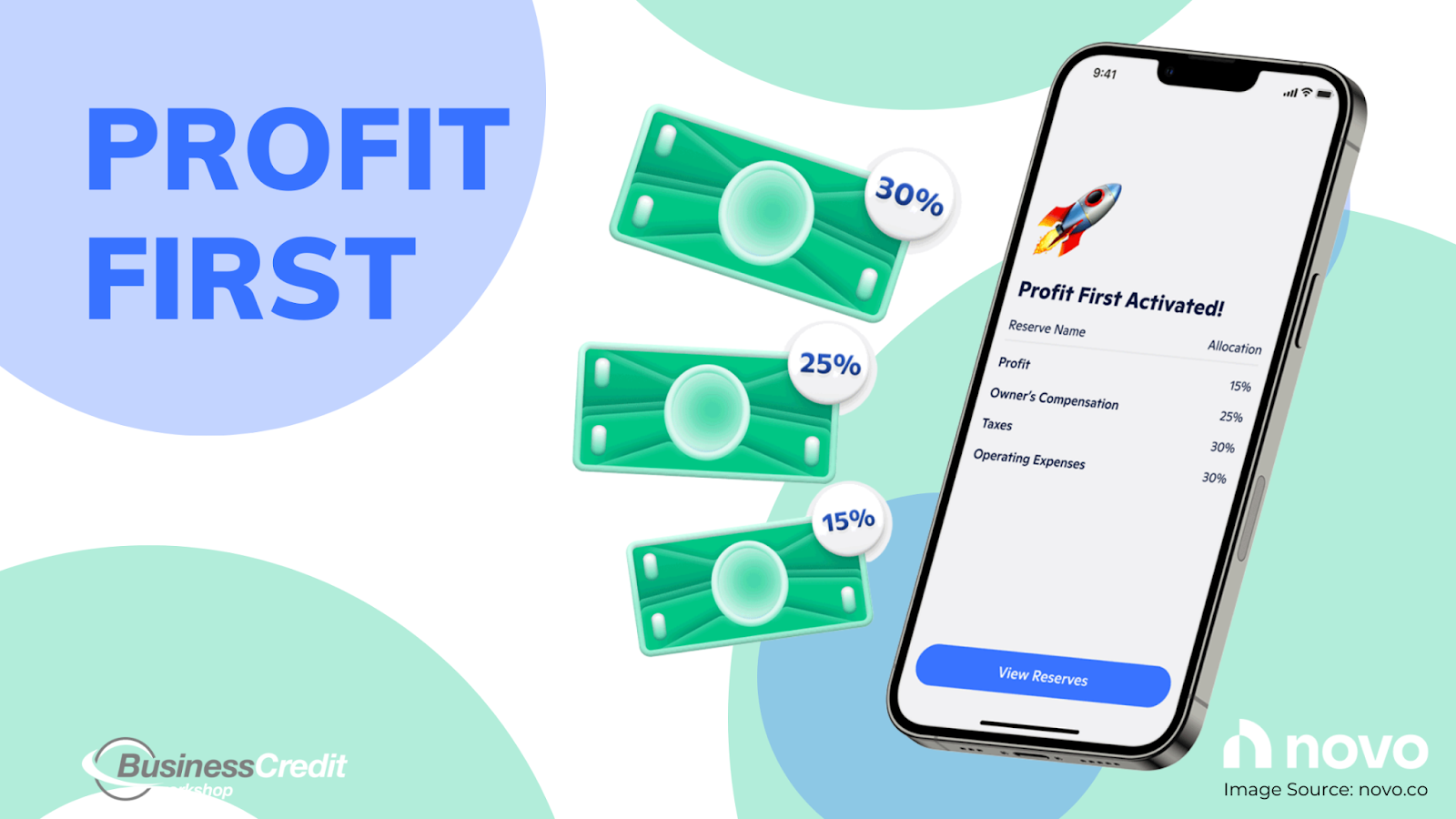
What kind of bank is Novo?

If you’re not familiar with profit-first, it’s an accounting type and business mindset that enables owners to focus on the profitability of their operations. 

In short, it looks like this: sales – profit = expenses and is an alternative to traditional accounting (sales – expenses = profit). 

Companies that adhere to this philosophy budget for expenses after they reach their profit goals for each period, whether it be weekly, monthly, or quarterly. Profit-first essentially forces business owners to reach their revenue goals, so the idea is that it should boost cash flow.  

Novo business checking accounts are set up to help businesses implement profit-first accounting through Novo Reserves. 

What is Novo Reserves? 

Novo Reserves is a budgeting feature built-in with Novo small business checking accounts that automatically allocate funds into “reserves” or “envelopes” based on cash flow percentages to simplify budgeting. 

Novo reserves can accommodate up to ten budgets per account. The idea is that account holders can use Reserves to manage accounts with more flexibility and with financial goals in mind. 

Moreover, Novo shares resources that explain the profit-first method and the benefits of Reserves on their blog, which is a nice touch — the entire small business checking offer seems to be built around this method of accounting.   

Novo Software Integrations

Best business banking app

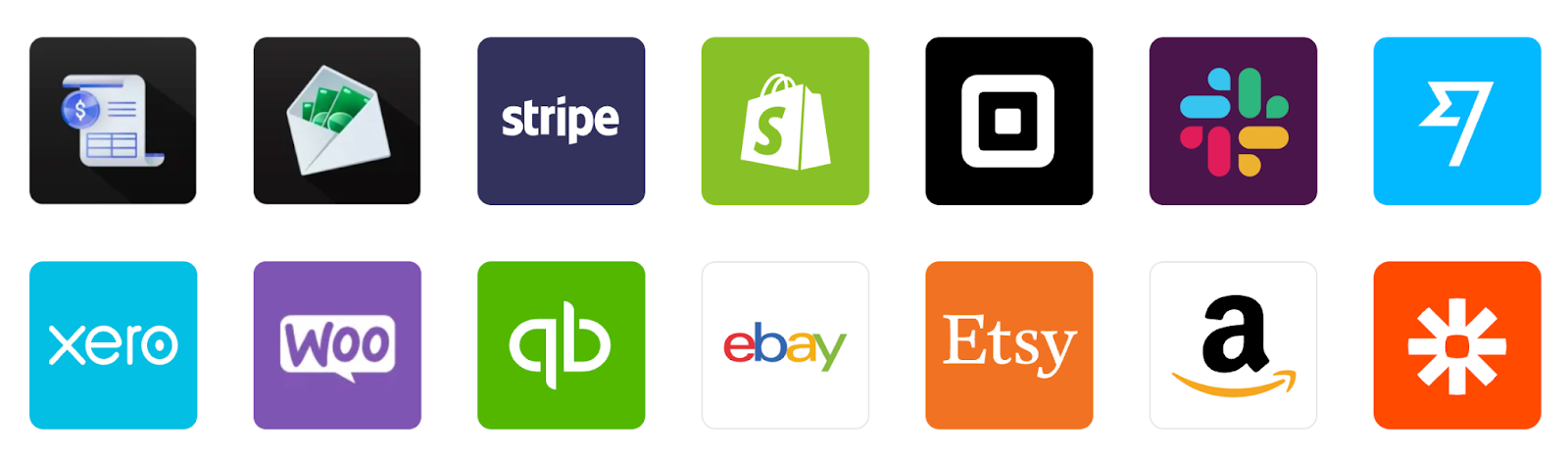
Novo’s website shows off their Stripe integration above all, but the platform is built to integrate effortlessly with 15+ everyday eCommerce and financial apps. This makes Novo a top consideration for small and medium online merchants.

When managing your money, with a Novo account, you would no longer need to bounce back and forth between multiple platforms where you receive funds to access your money. When you get a deposit in Stripe, for example, you would have instant access to the funds in your Novo account. Plus, you’ll get different perks across some of these payment platforms for being a Novo member. 

Novo Boost Summary

Another interesting feature that comes with a small business checking account is Novo Boost, developed to work with Stripe, which is worthwhile if you process most of your payments through the platform. The key benefit of Novo Boost is that you can get your Stripe payments within hours rather than days. 

Obviously, quick access to cash flow is a nice option. 

Please know that Novo Boost allows Novo users to access their automatic payouts from Stripe up to 2 business days early, completely free of charge. Please note that  Novo Boost is neither a loan nor a purchase of any receivables.

Recommended: Could a Stripe Capital Loan Get Your Business Through a Rough Patch? 

Accountholder Perks